Terrain Scatter System (Houdini + Unreal Engine)
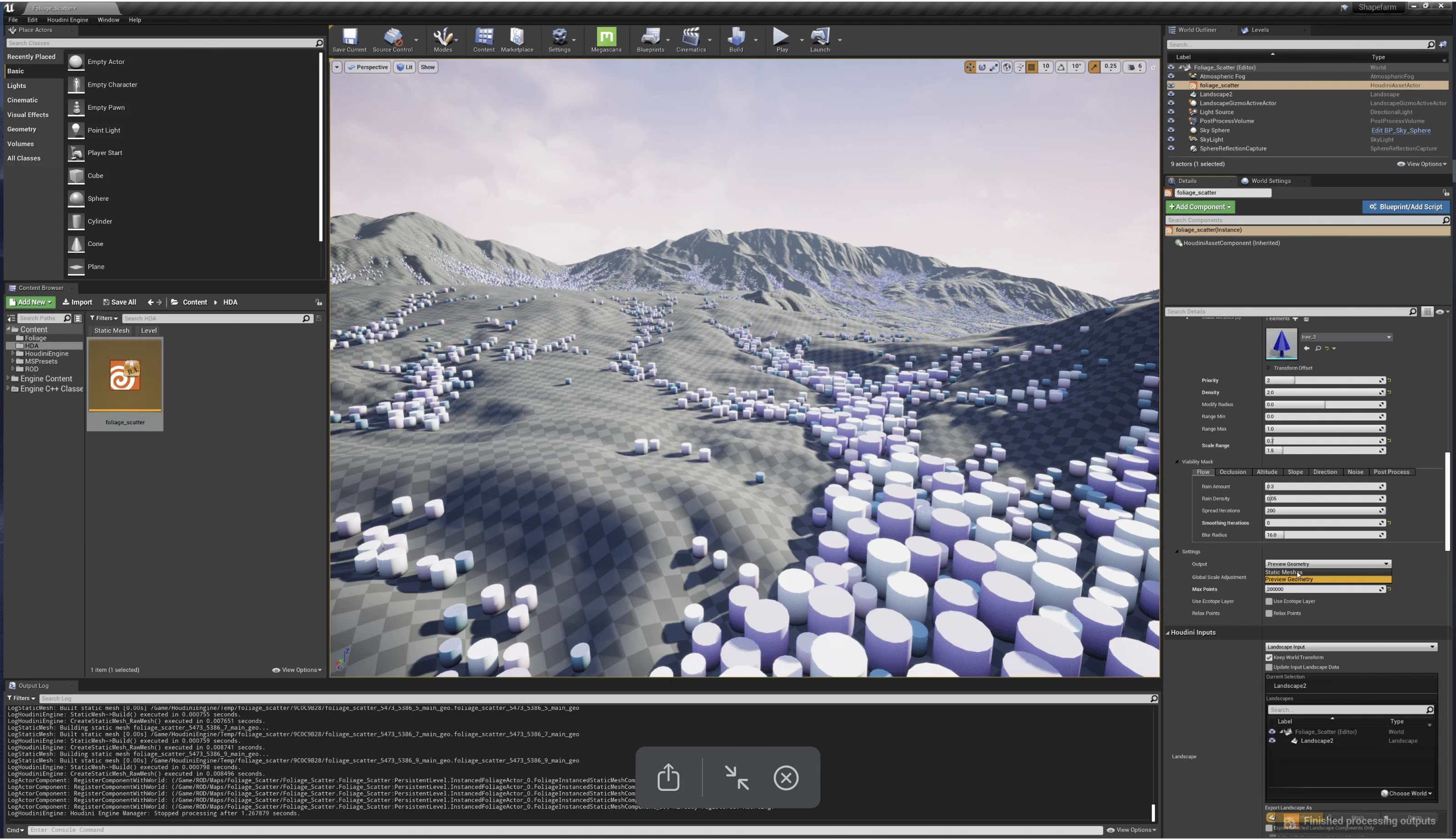
I built a Houdini Digital Asset scatter system for populating open worlds, running inside Unreal Engine via Houdini Engine.
I wanted a small art team to be able to build large, natural environments quickly and predictably without learning Houdini, so all of the procedural work sits behind an interface inside Unreal.
Note: I built this for an unannounced product. Everything shown here is test content and development material from building the tool, not the final production version or its real art.
Challenges
-
Moving large landscapes and dozens of assets between Houdini and Unreal could take many minutes. If you can’t see your changes quickly, it’s hard to understand or trust the tool.
-
Artists needed to know that tweaking one area wouldn’t reshuffle the whole environment and undo work they were happy with.
-
It had to fill kilometers of terrain with vegetation, rocks, and ambient sound, stay fast, and avoid piles of overlapping or hidden assets.
-
Environment artists without procedural experience had to be able to use it from a simple Unreal interface.
-
Several artists often worked on the same world at once, so they needed to edit different tiles without overwriting each other.
Features
Data tables for artists
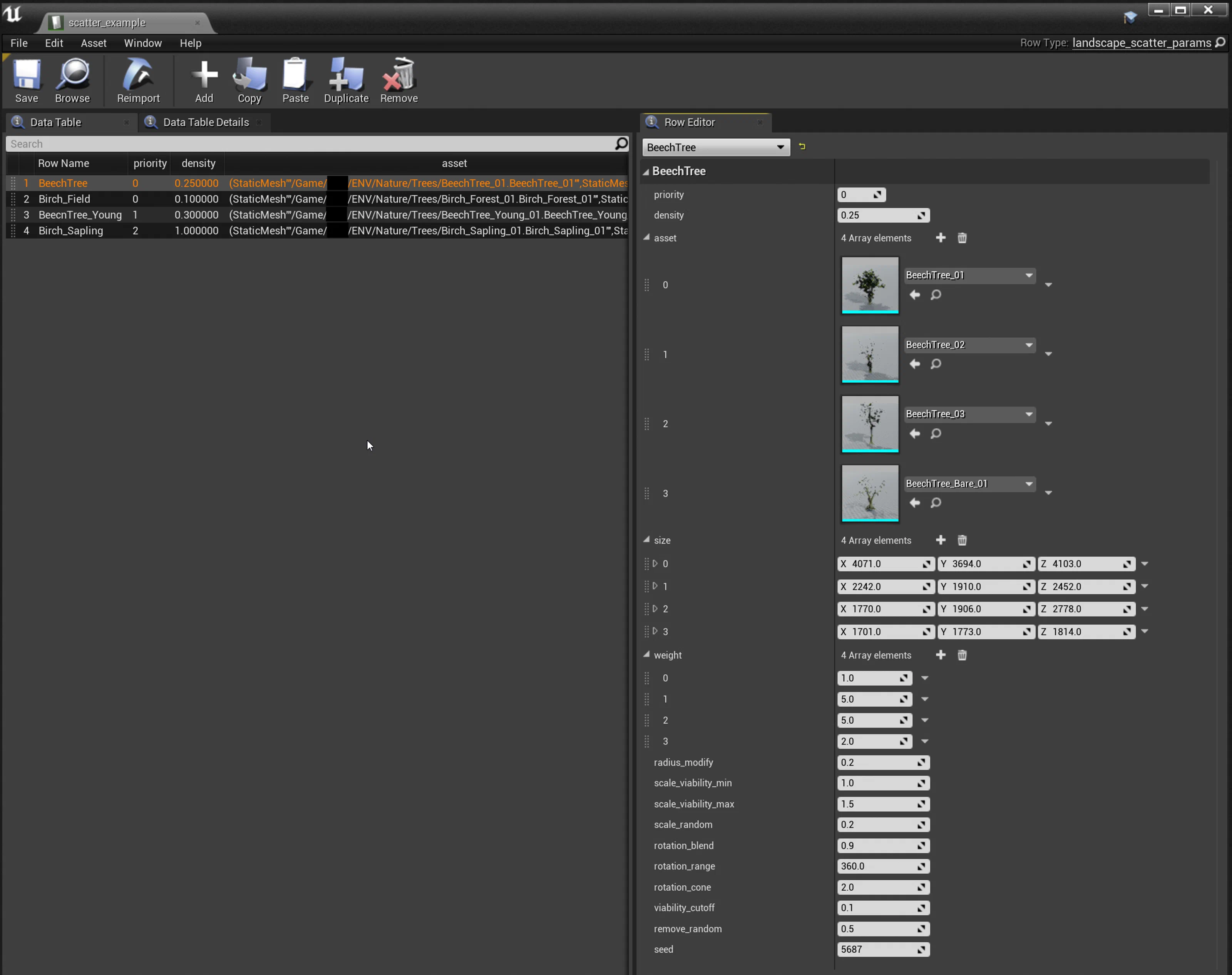
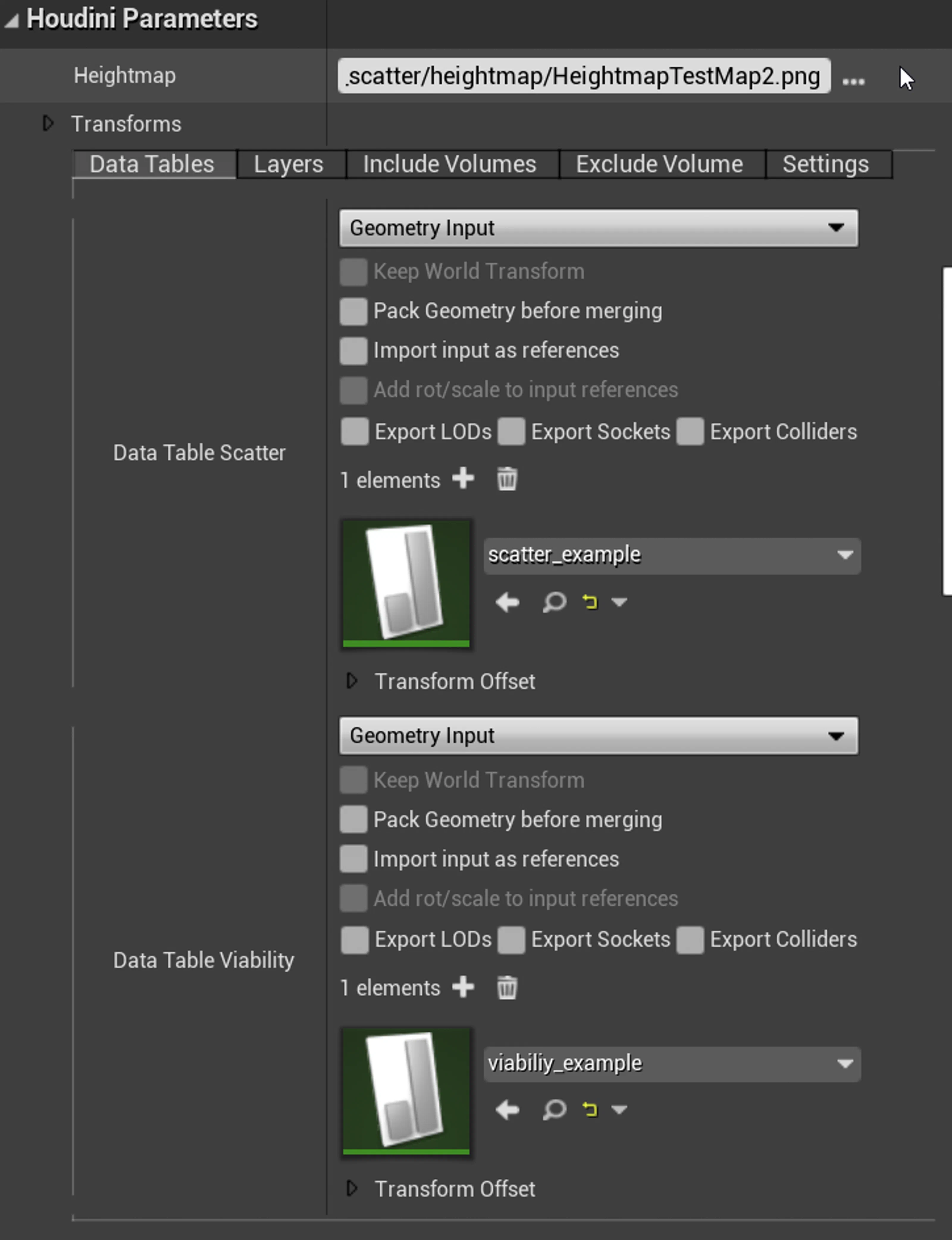
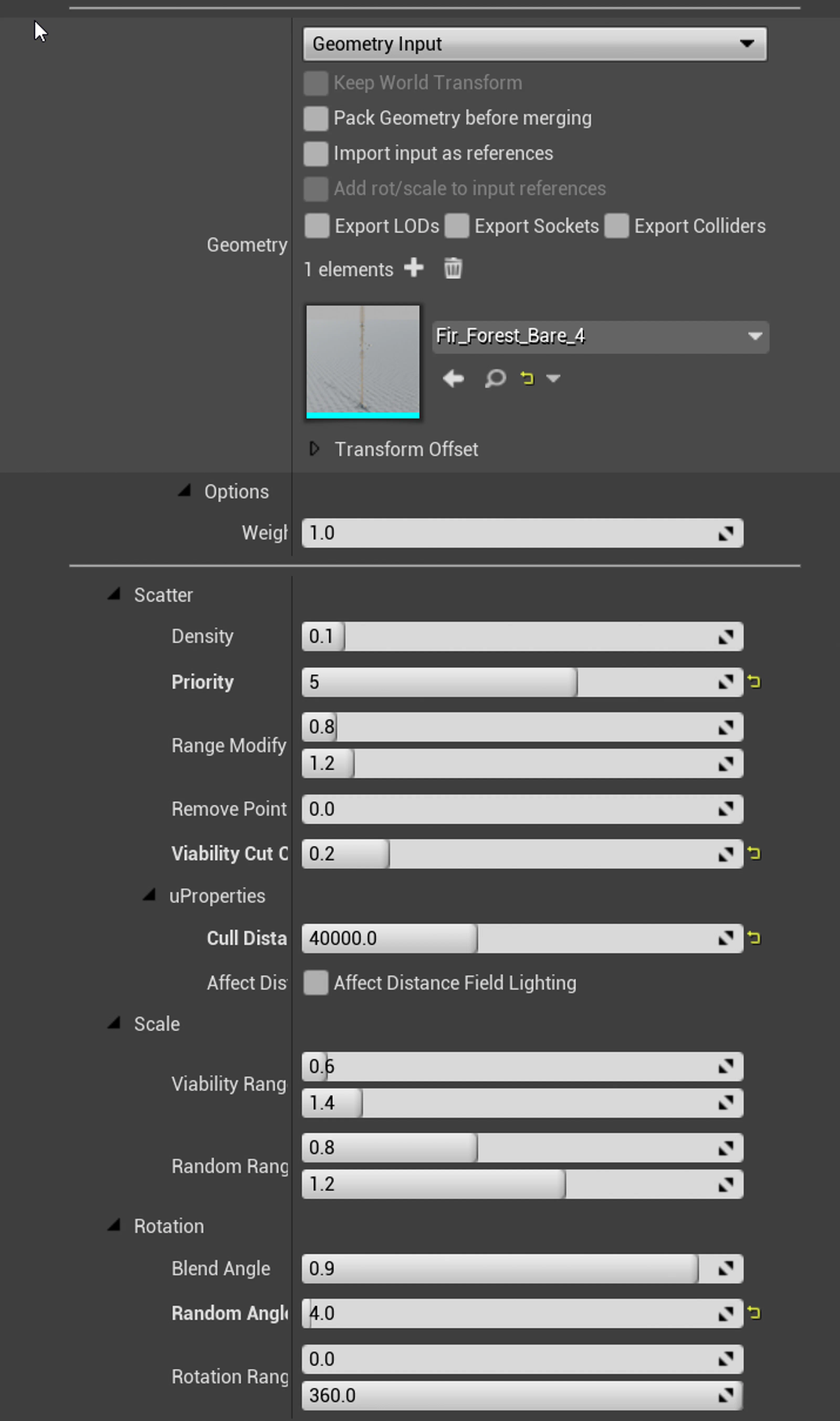
Scatter assets were managed entirely through Unreal Data Tables, so artists could write rules in a familiar spreadsheet view. The HDA only read small attribute payloads, and environment artists could swap, tag, or rebalance assets without opening Houdini.
Predictable, local scattering
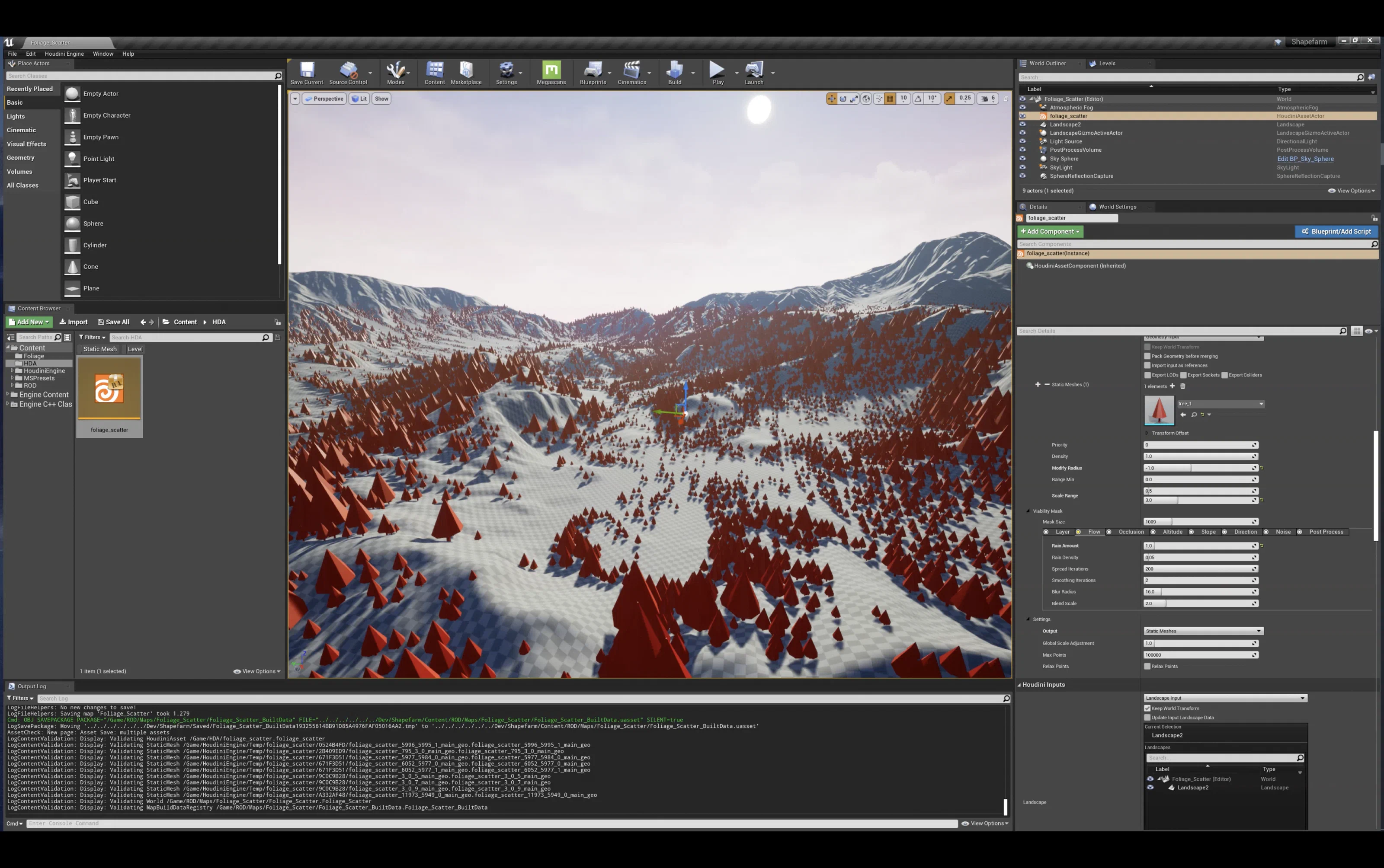
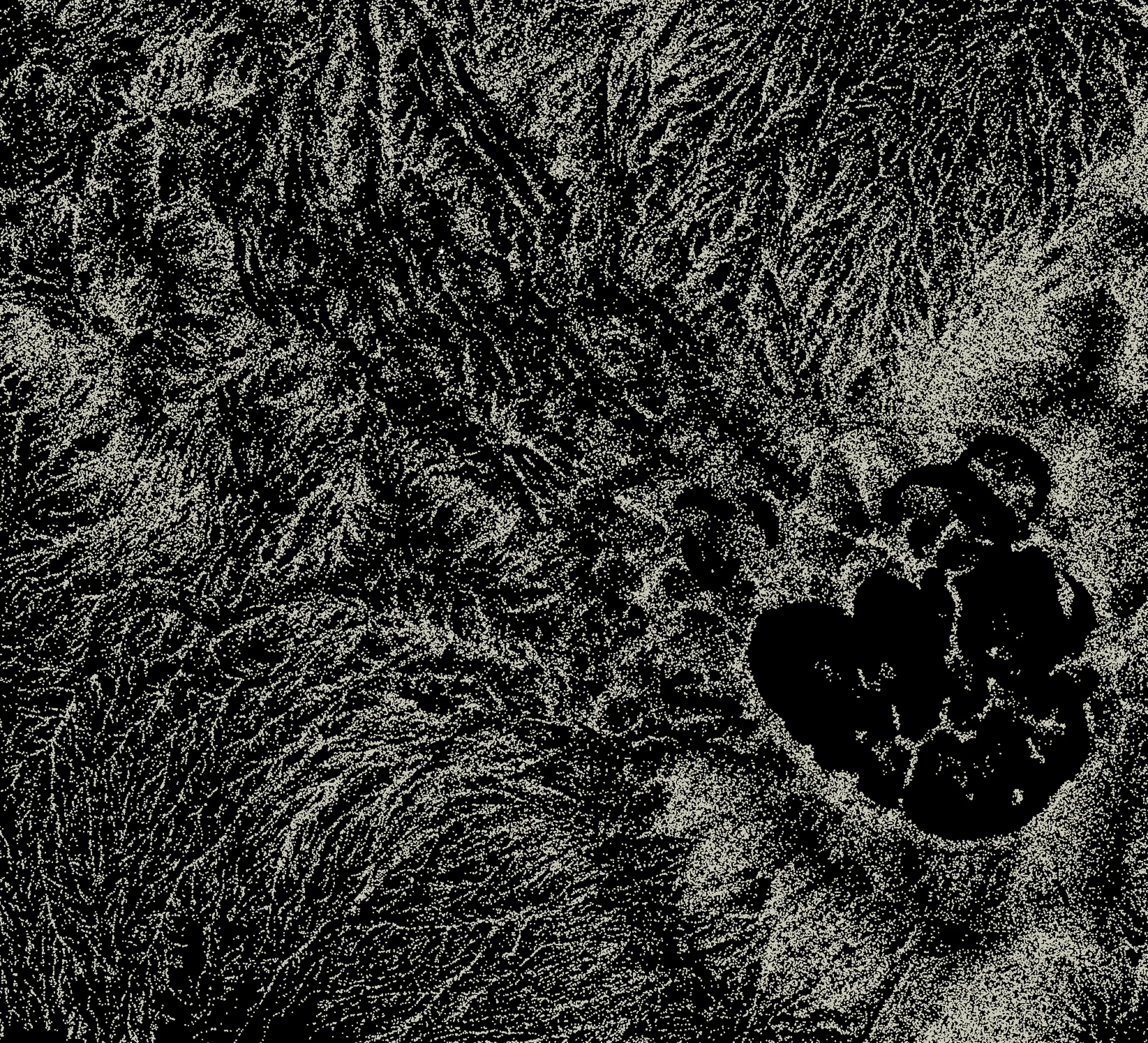
The tool computed a dense point cache once, then masked it in layers, so a local edit never reshuffled the rest of the world. Artists painted exclusion masks, dropped volumes around POIs, and tweaked falloffs knowing the surrounding tiles wouldn’t change.
Procedural masks
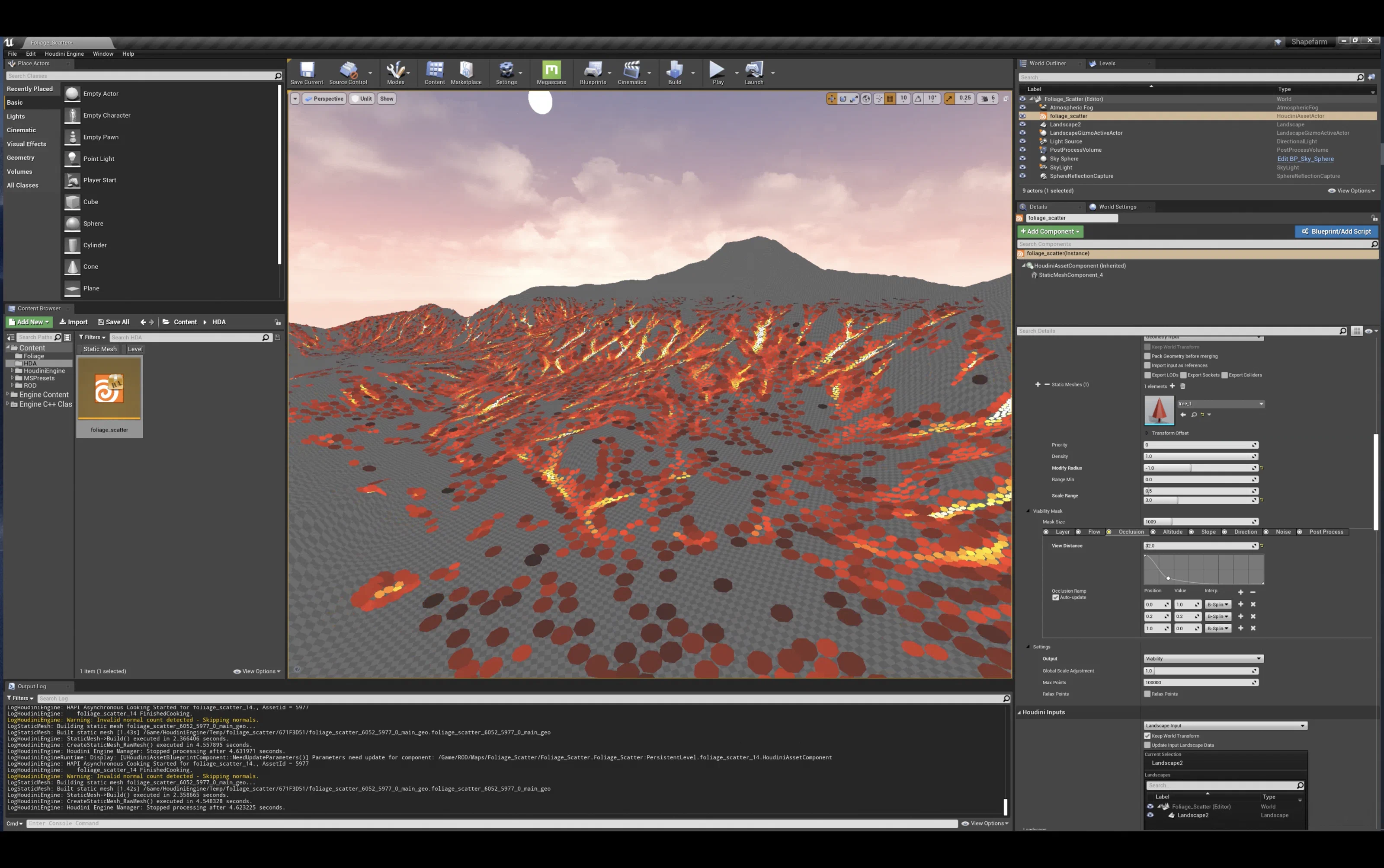
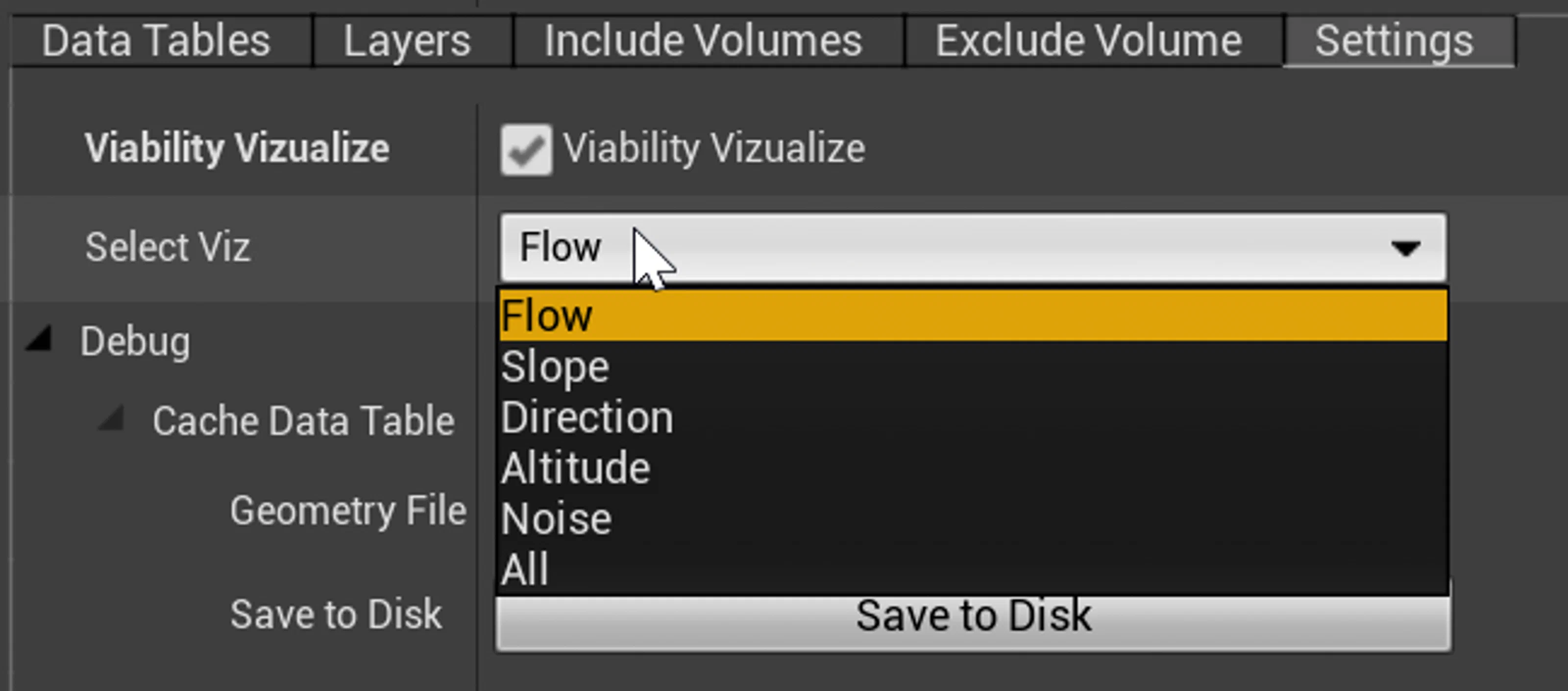
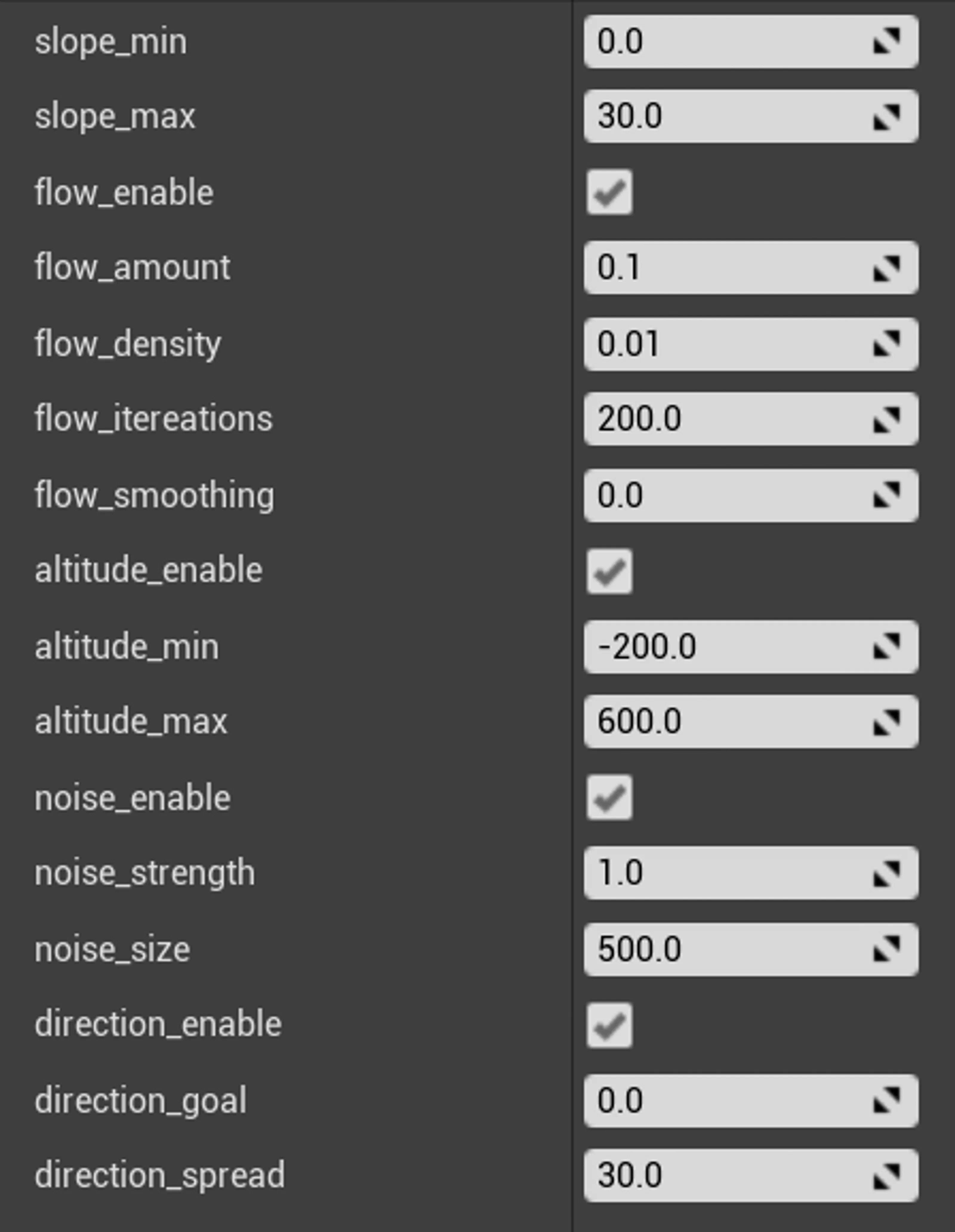
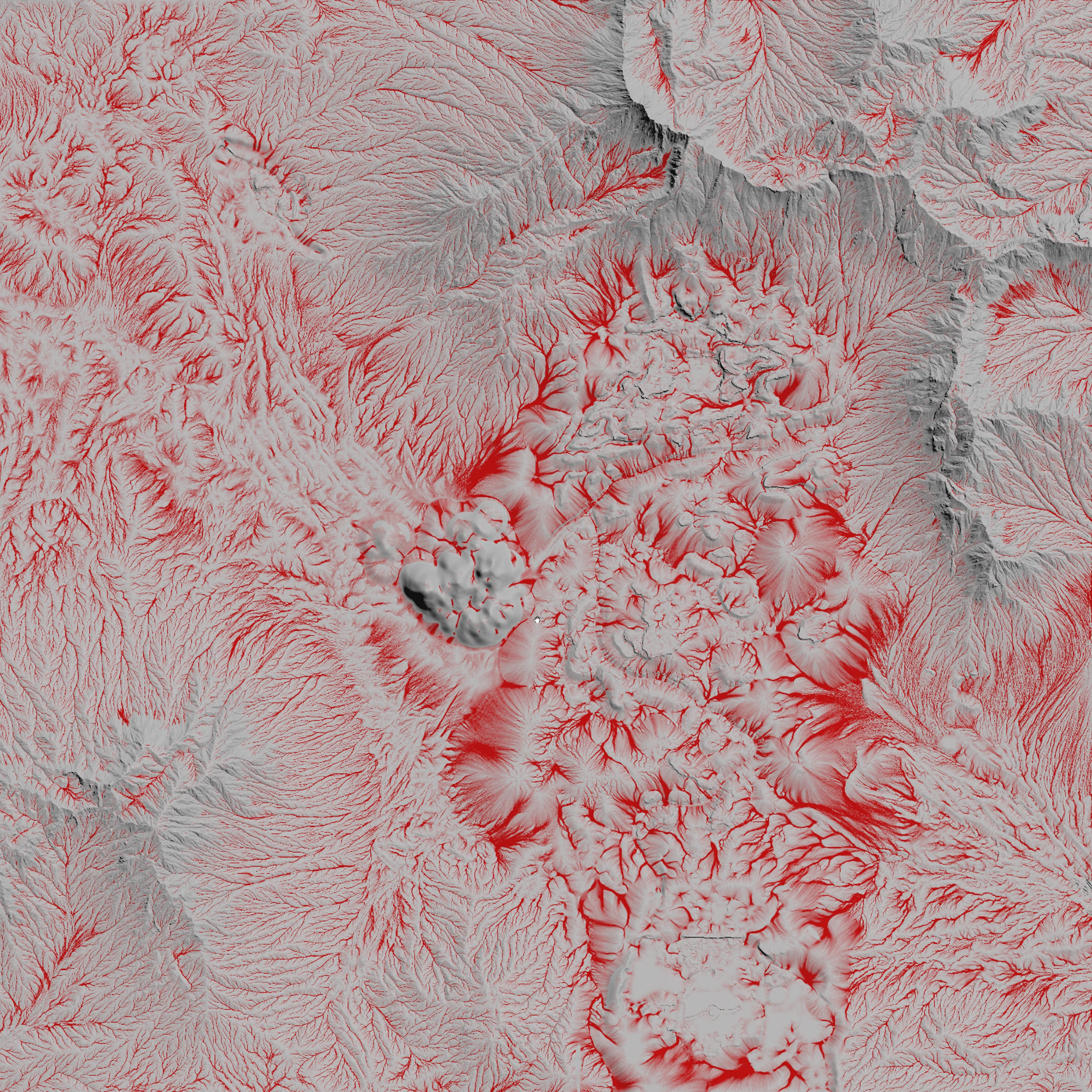
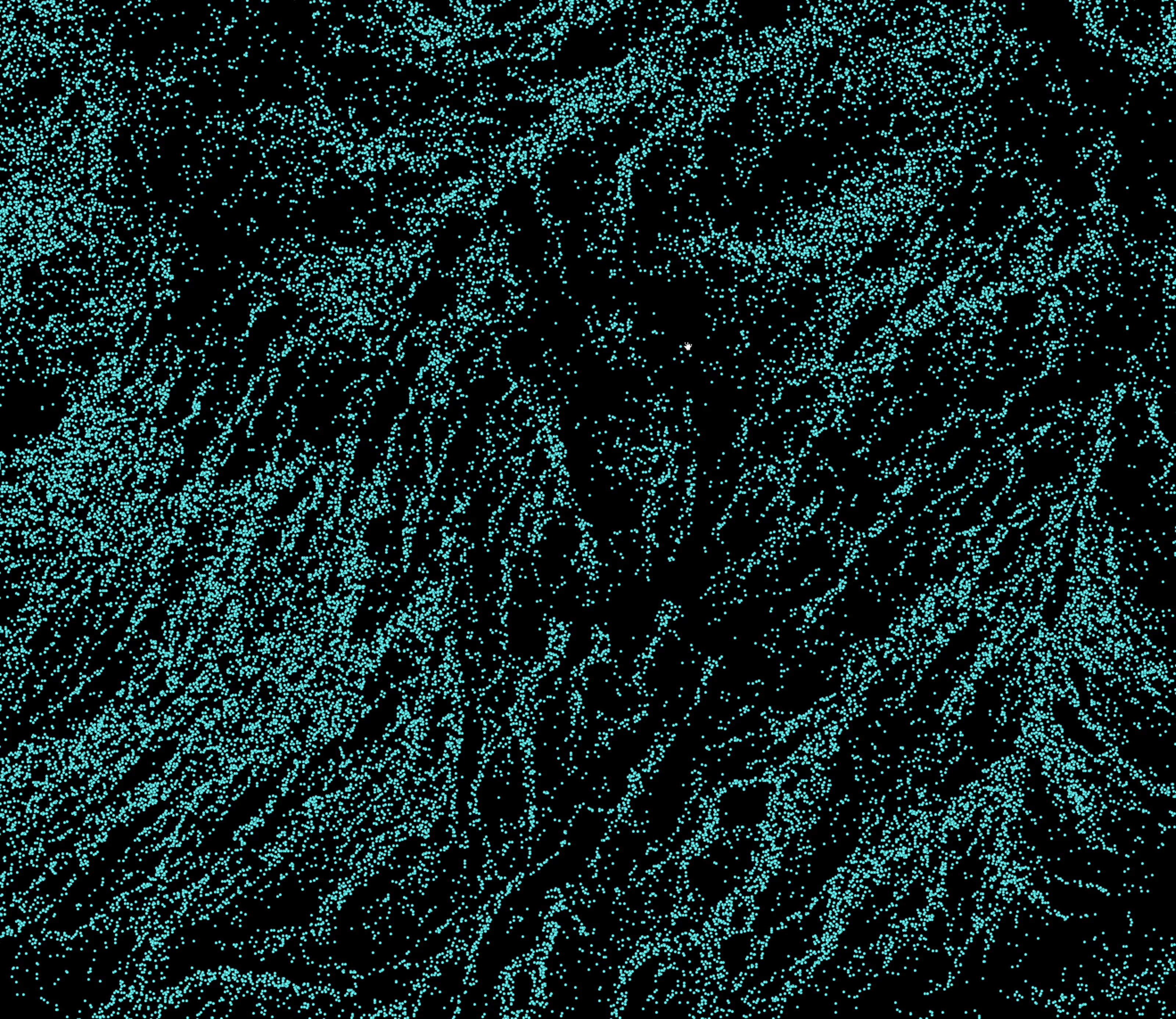
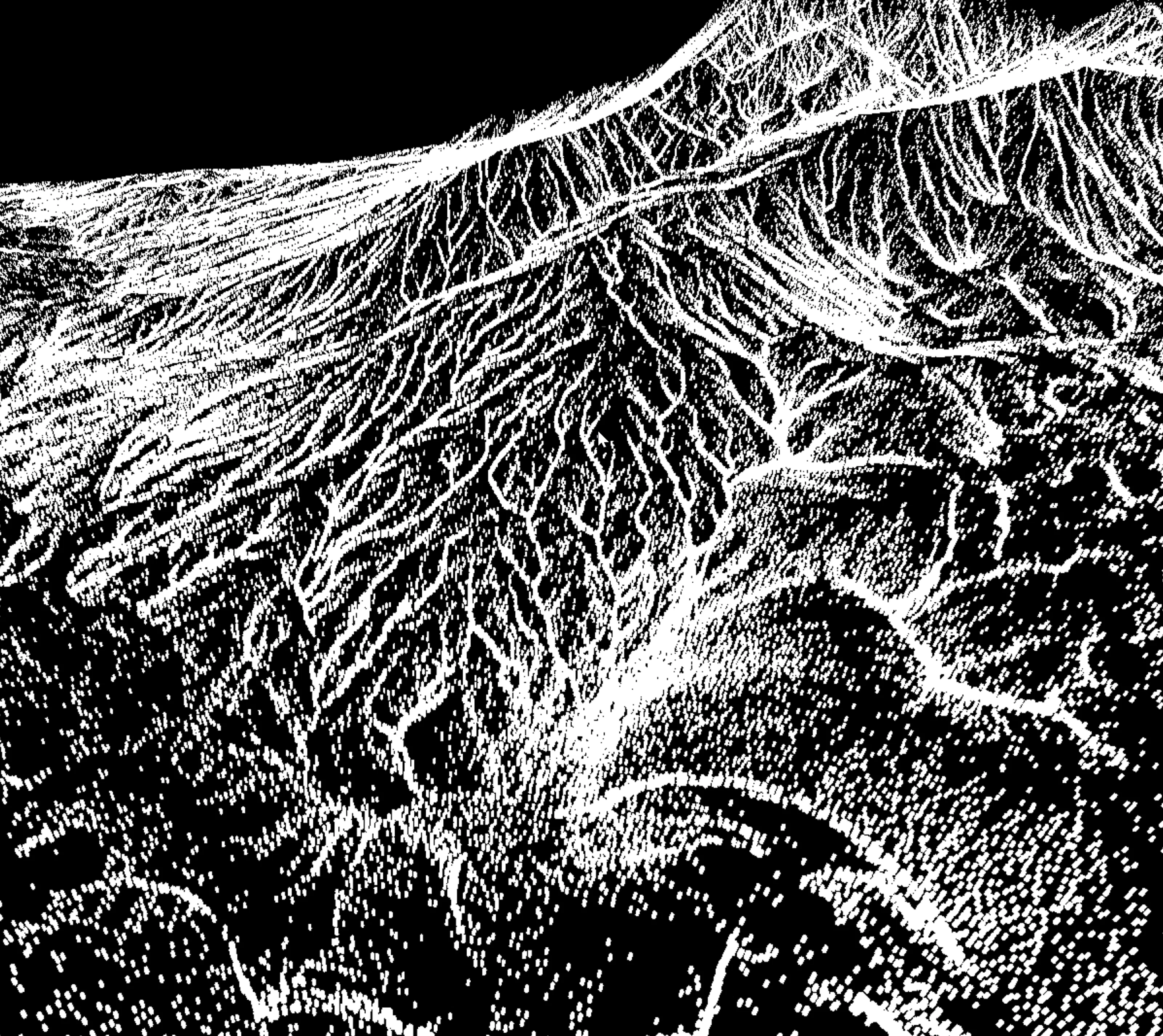
Density responds to slope, altitude, sun direction, flowmaps, noise, and SDF feathering, which gave the team fine control over biome transitions. Custom mask stacks in Unreal let artists mark “no-scatter zones” for roads, mission spaces, and cinematics and still scatter everything else automatically.
Priority and radius
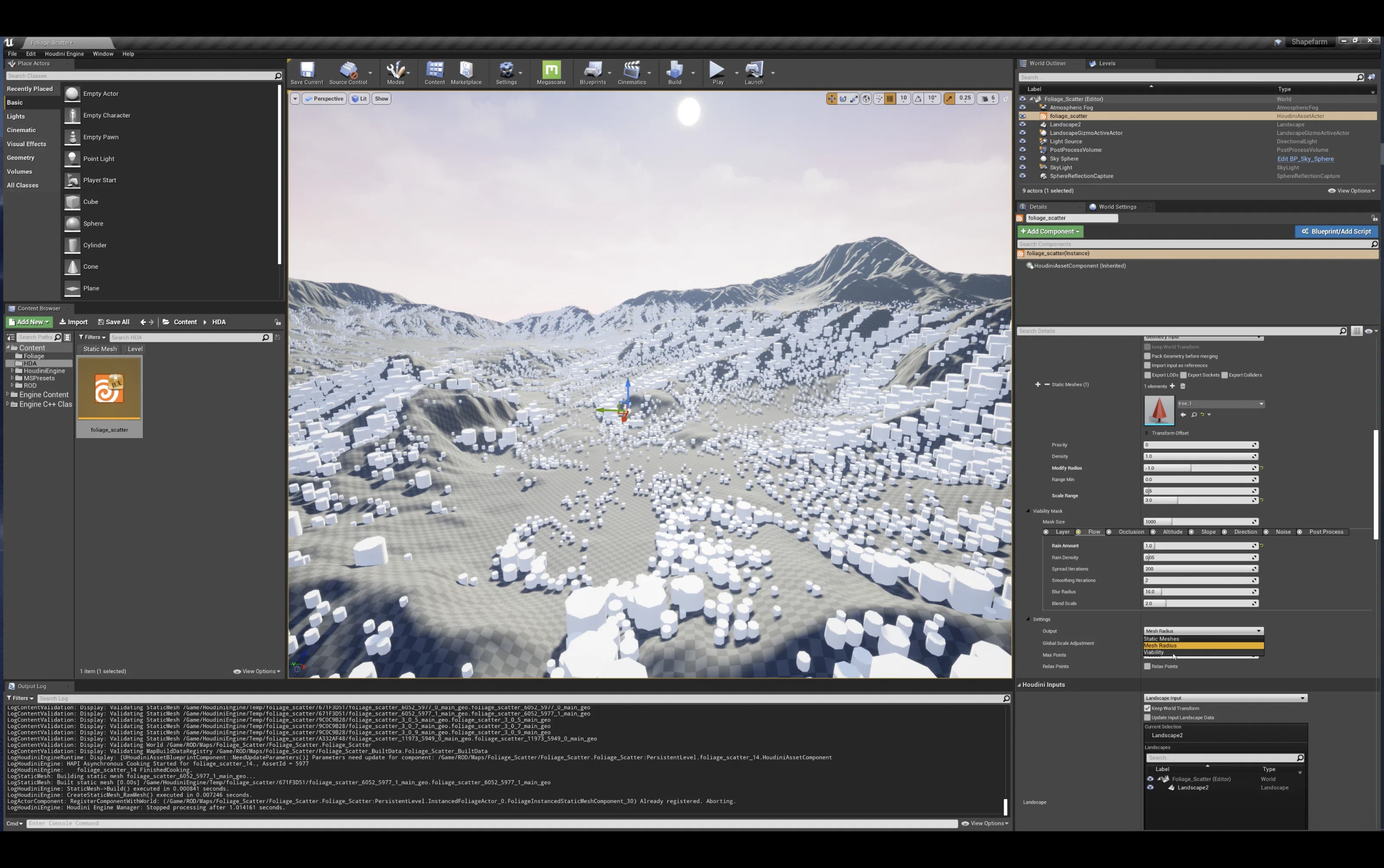
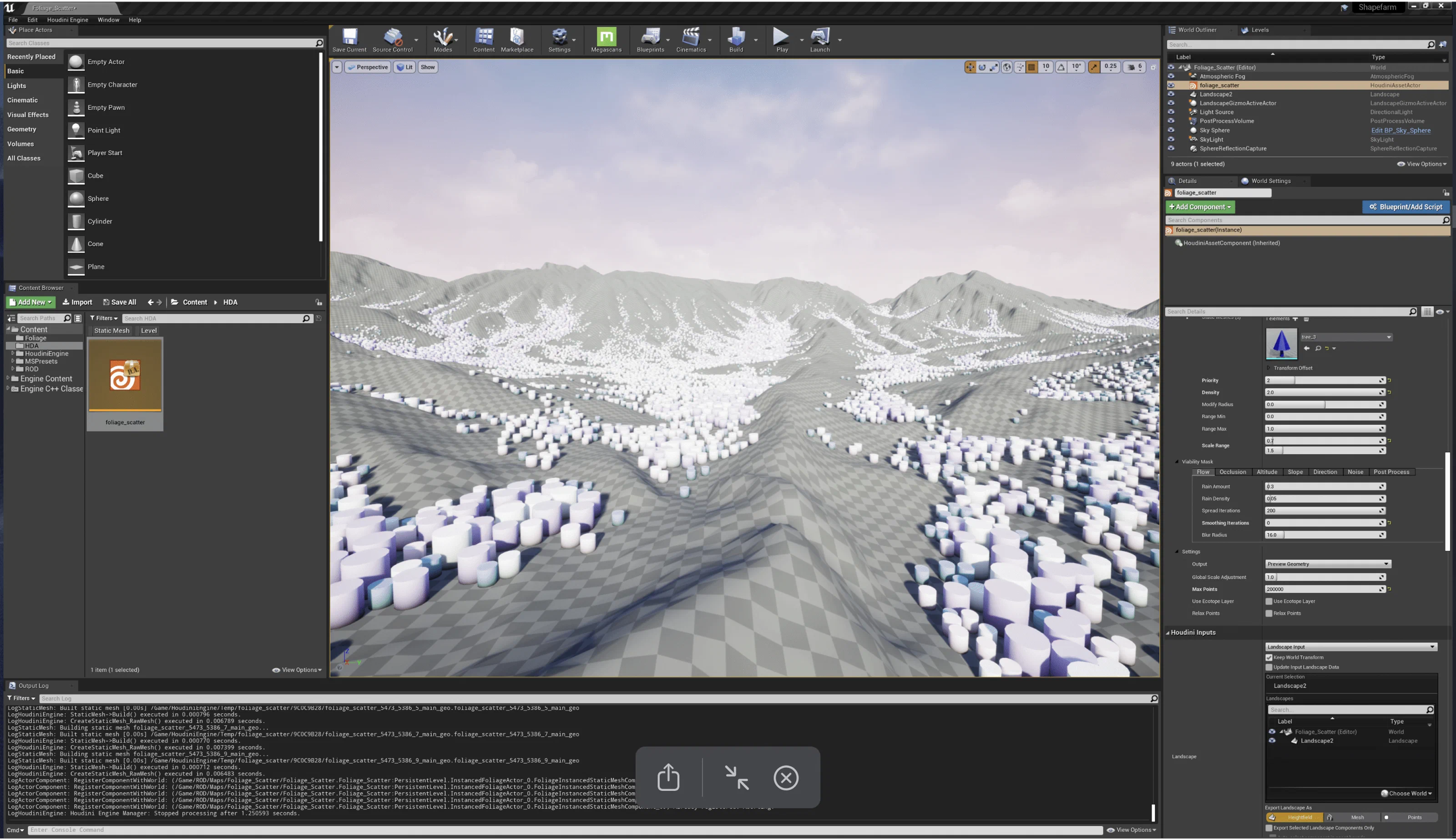
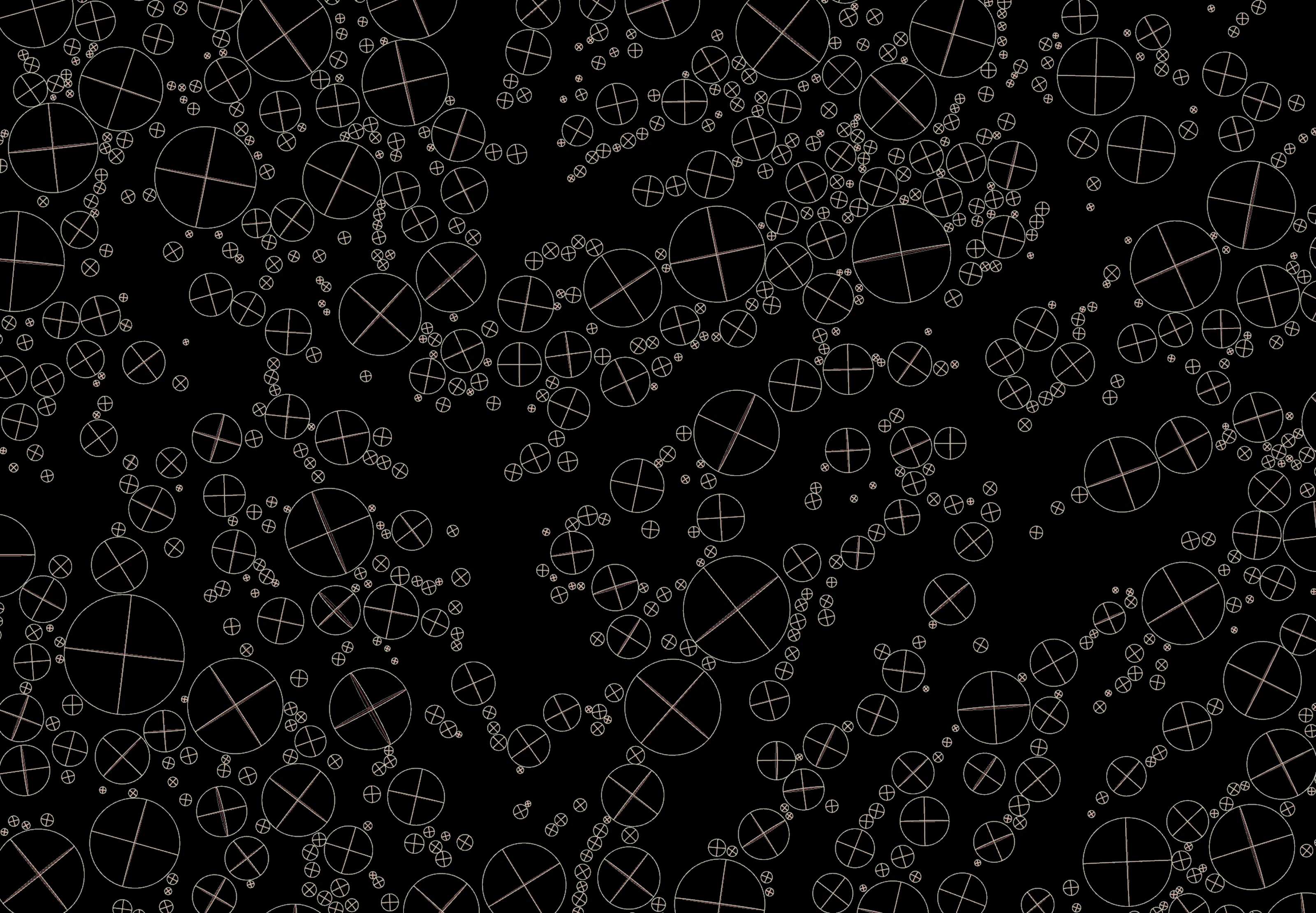
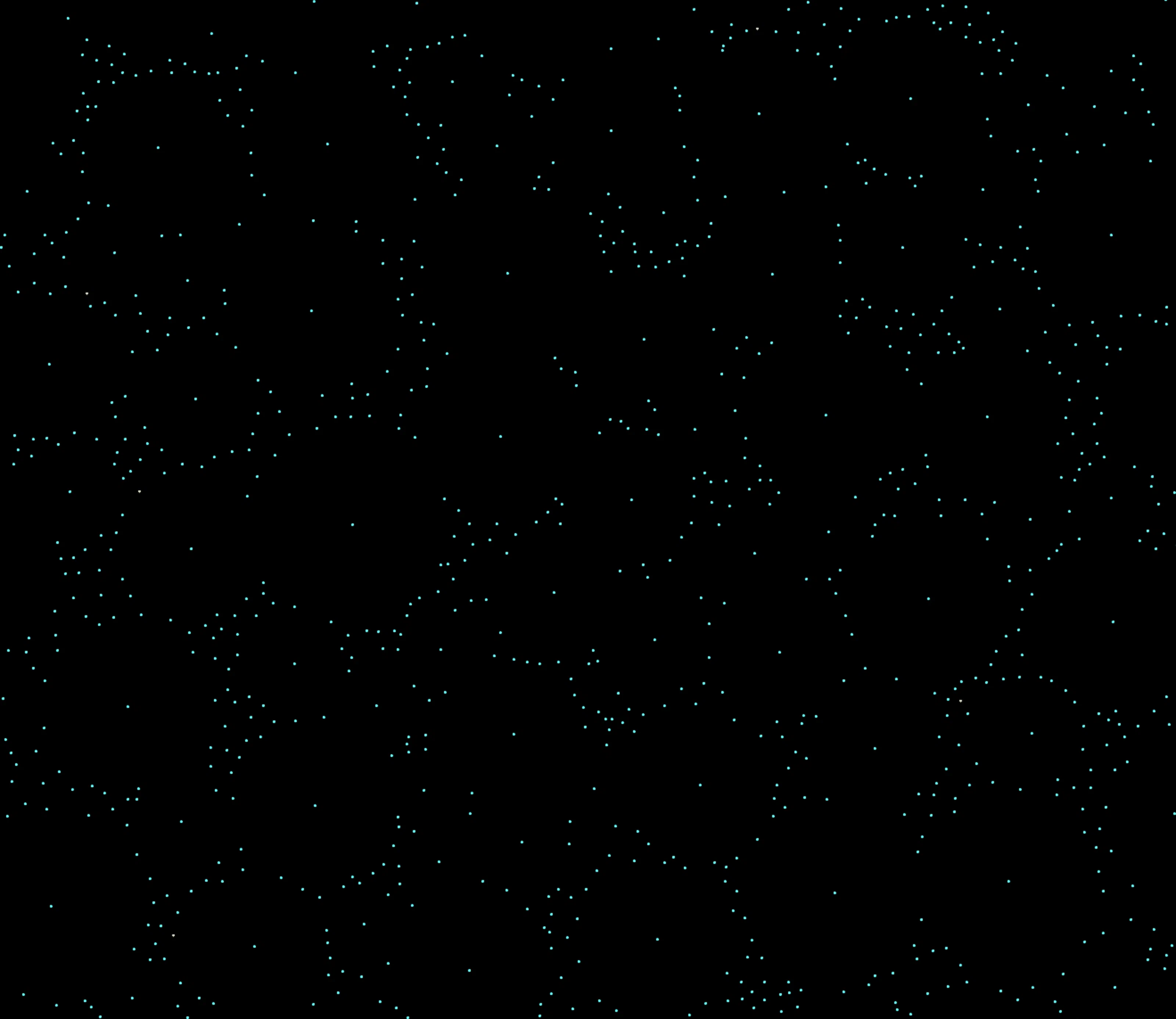
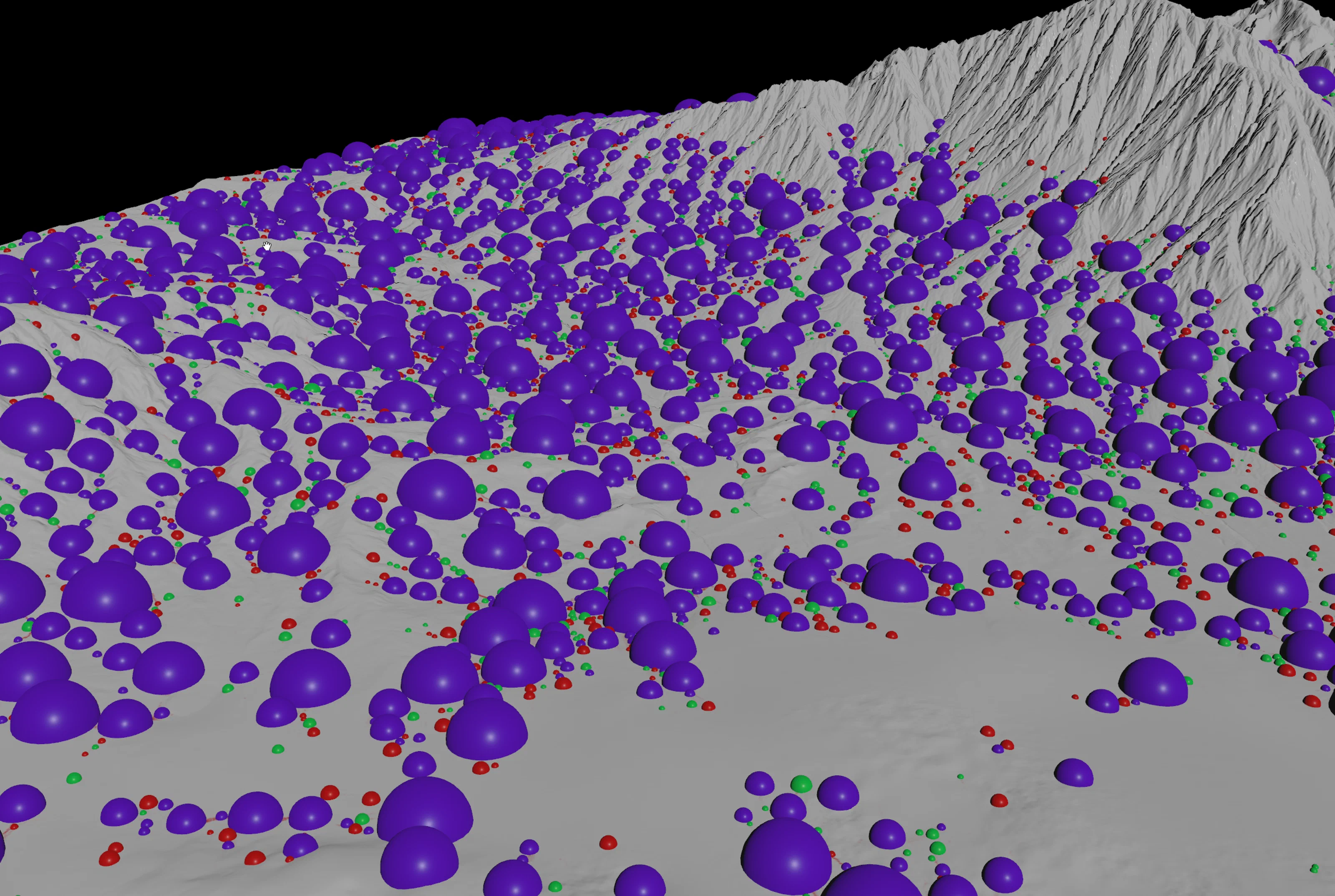
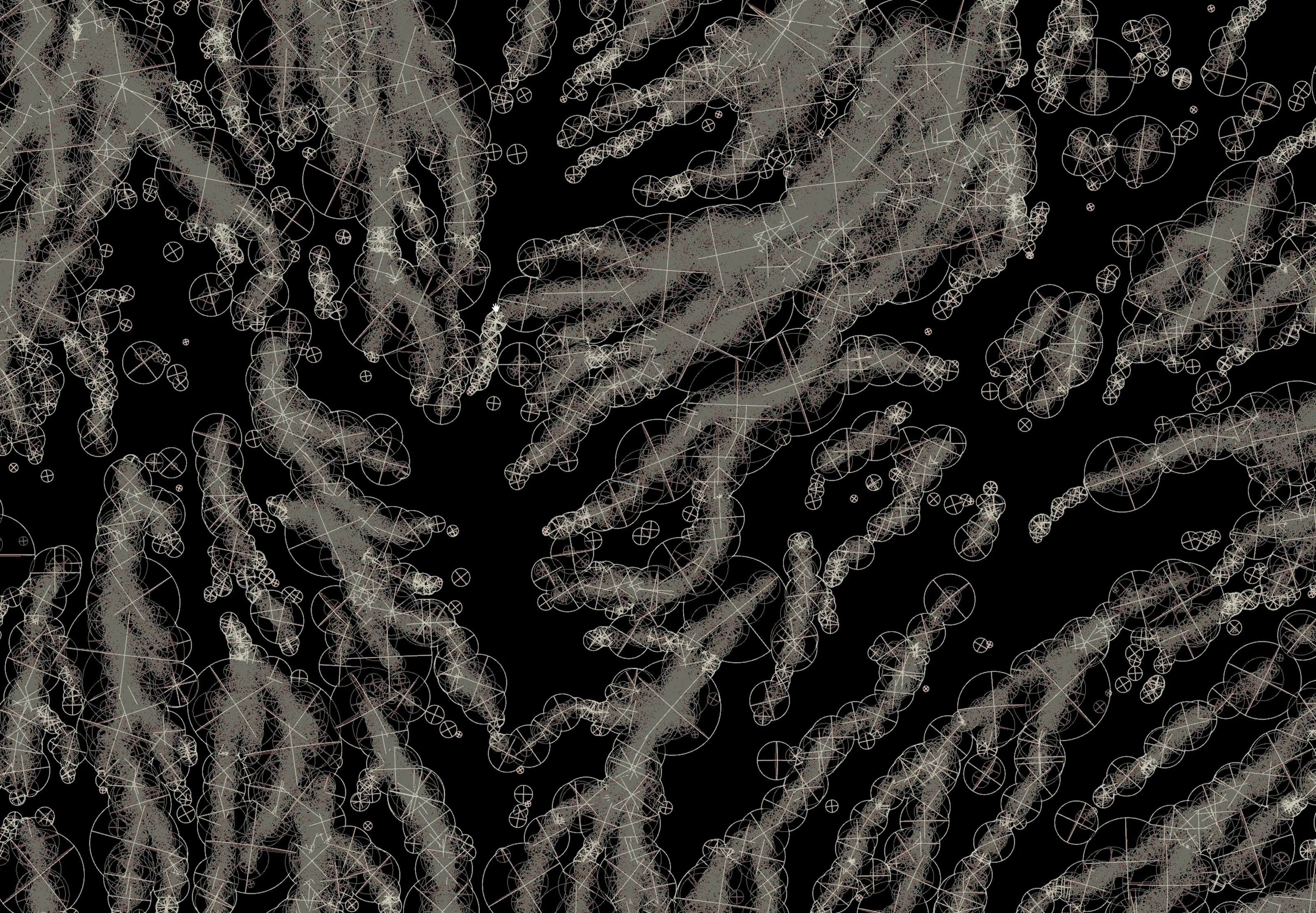
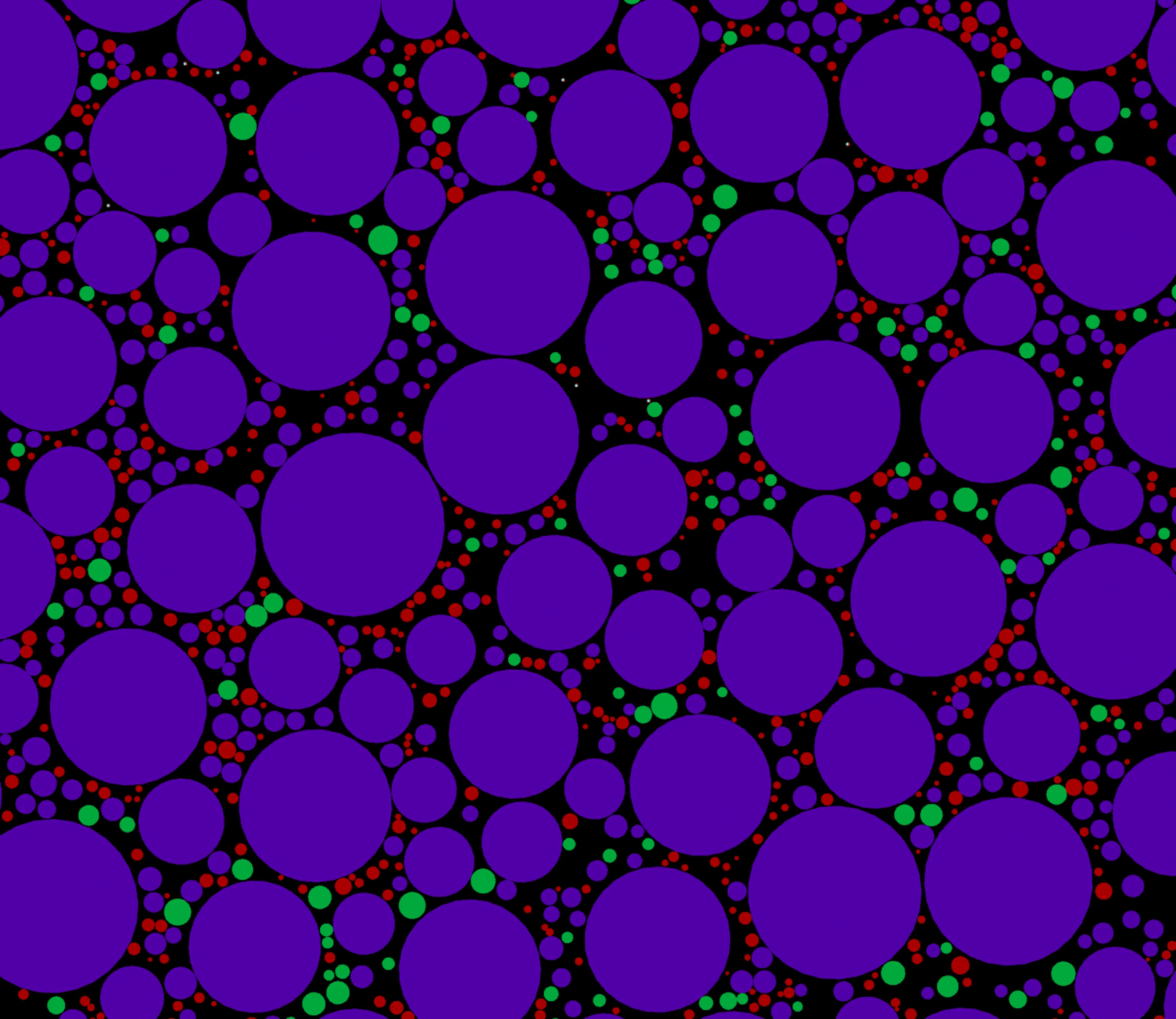
Assets claimed space based on viability, radius, and an authored priority. Large trees went in first to set the canopy, medium foliage filled the gaps, and ground cover went in last, so the layers looked hand-placed. The HDA also drew debug overlays so artists could spot crowding before committing.
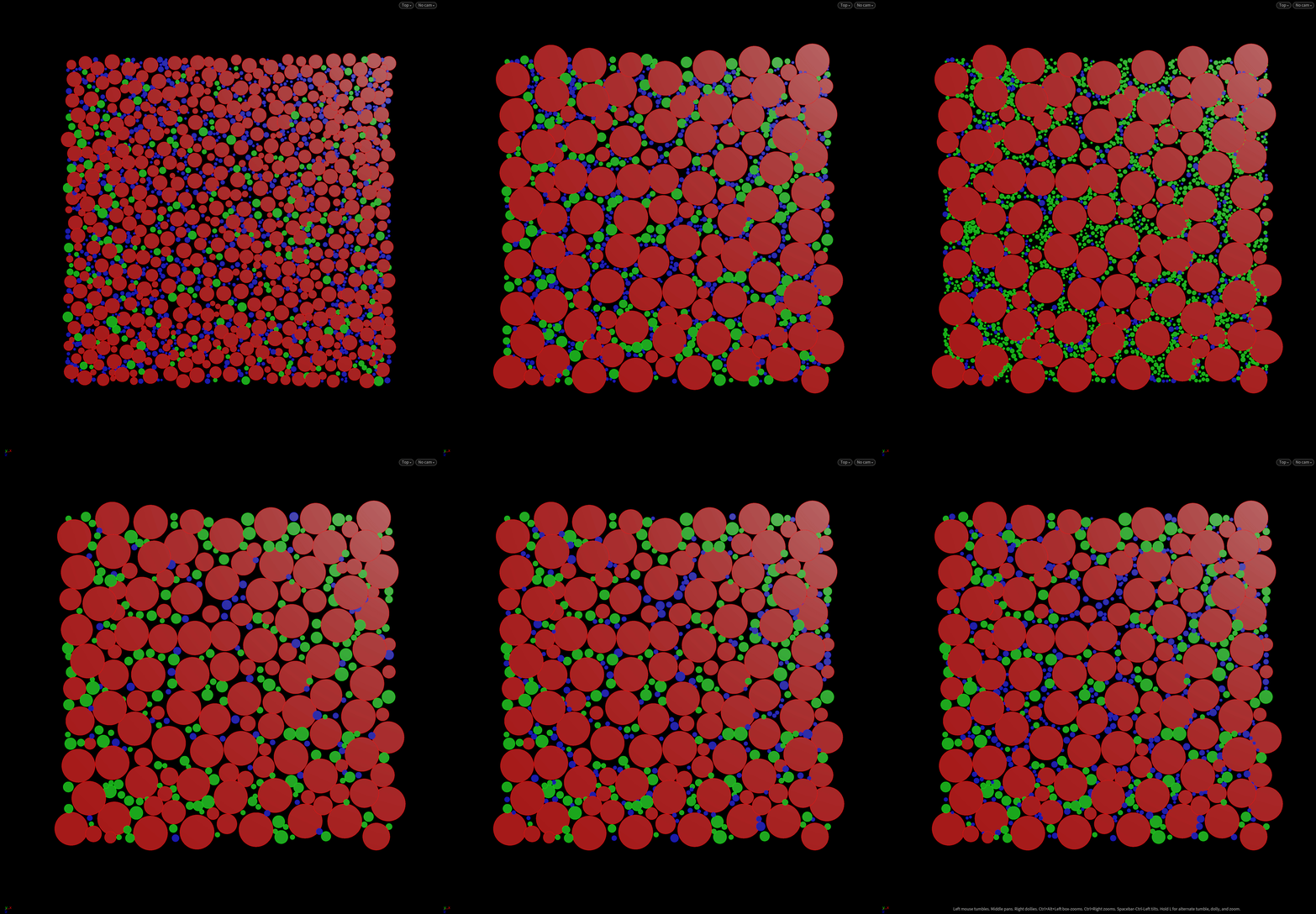
Priority debug views:
Tiles for open worlds
The system worked with Unreal’s World Partition. PDG networks cooked several landscape tiles in parallel and cached each one, so multiple artists could iterate at the same time without overwriting each other. Designers could also lock tiles for gameplay without stopping art work nearby.
The scatter system worked alongside the Terrain River Tool and Terrain Path Tool, which handled rivers and roads while the scatter system filled in vegetation and detail around them.
Ambient sound
The scatter also emitted metadata that Blueprint actors turned into layered ambient sound. Dense forest spawned dense loops, and open biomes triggered lighter one-shots, so the audio followed the vegetation.

Iteration speed
Landscapes were cached to disk, attribute payloads stayed small, and Houdini only cooked the tiles a mask change touched. With the controls in Unreal, artists saw changes in seconds instead of minutes, even on multi-kilometer spaces.
Results
One artist could populate kilometers of terrain in hours instead of weeks, entirely inside Unreal and without opening Houdini. One toolset handled vegetation, rocks, and ambient sound, and several artists could work on different tiles at once without overwriting each other.
Masking and distribution
Artists controlled density through slope, altitude, sun direction, flow, noise, and custom volumes. The panels below go from terrain analysis, through the individual masks, to the final combined density and seed distribution.
Unreal Engine integration
The system plugged straight into Unreal’s landscape tiles, so artists could iterate in real time on large worlds.