Terrain Path Tool (Houdini + Unreal Engine)
I built the Path Tool on the same HDA core as the River Tool, adapted for trails, roads, and other walkable paths.
Artists draw paths directly in Unreal, and the tool fits them to the terrain height, handles branches, and blends them into the surroundings.
Note: I built this for an unannounced product. Everything shown here is test content and development material from building the tool, not the final production version or its real art.
Challenges
- Paths had to stay walkable, with smooth slopes that blend into the terrain.
- Edits had to be fast and local, even on large landscapes.
- Trails that overlap or branch had to resolve cleanly, without harsh artifacts.
- Paths needed decals, textures, and details like cart tracks and footprints for storytelling.
- Unlike rivers, paths can go uphill and branch freely, with no waterfall stepping.
Features
Artist-drawn splines
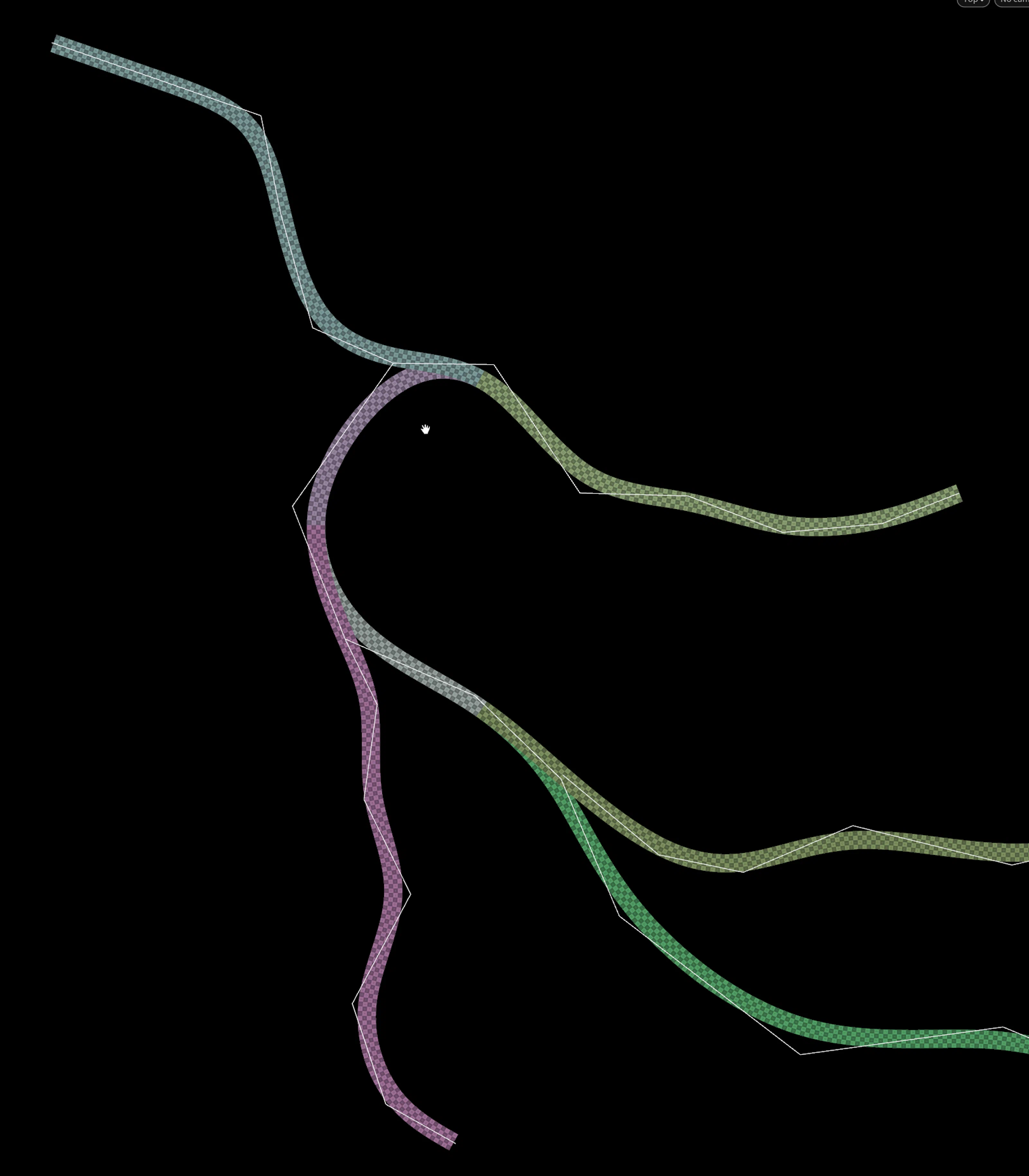
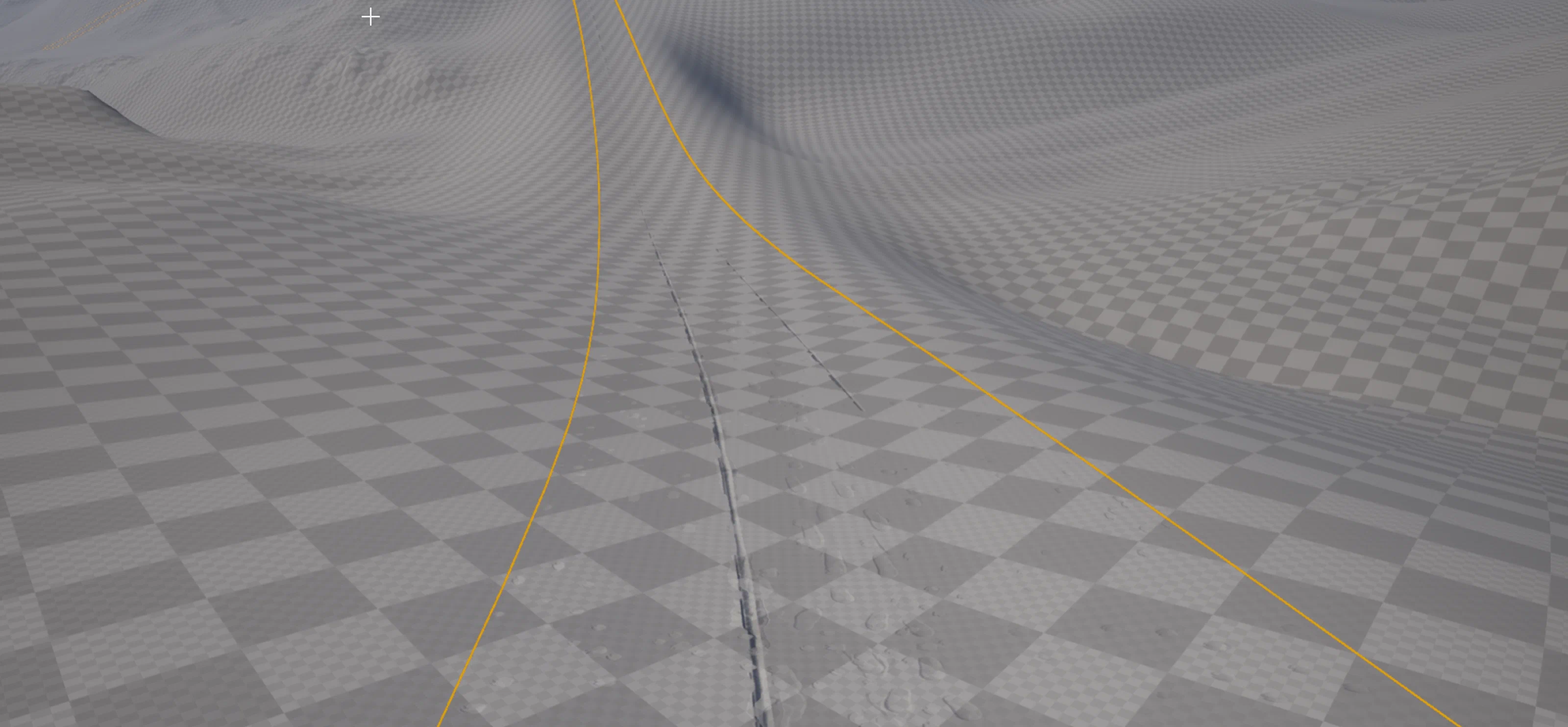
Artists drew path splines, and the tool adjusted the heightfield so the slopes stayed within gameplay limits. It kept the surrounding heightfield detail, so nearby terrain blends survived every recompute.
Path meshes and decals
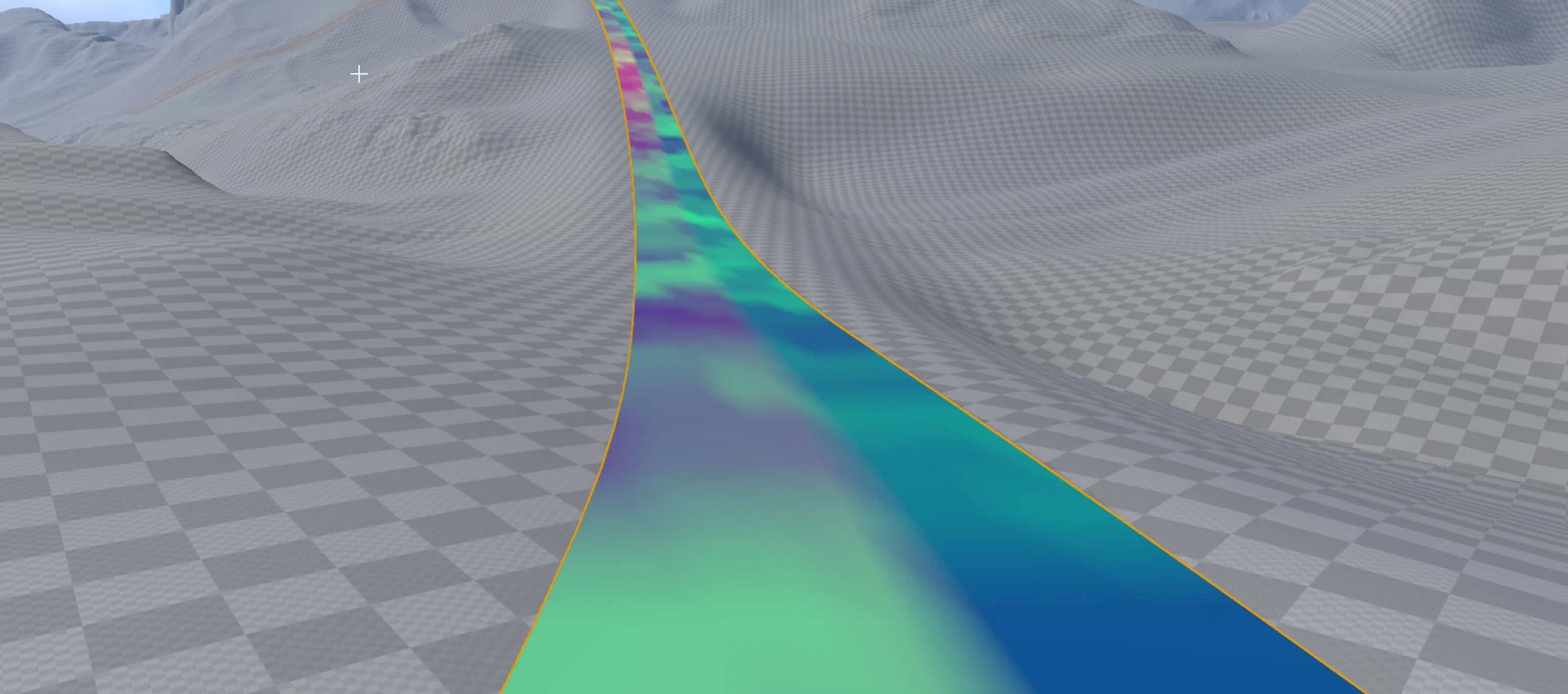
The tool generated path meshes with custom decals (cart tracks, footprints, material variation). Vertex colors drive the Unreal material layers, so the edges stay soft where trails meet the terrain.
Solver-based intersections
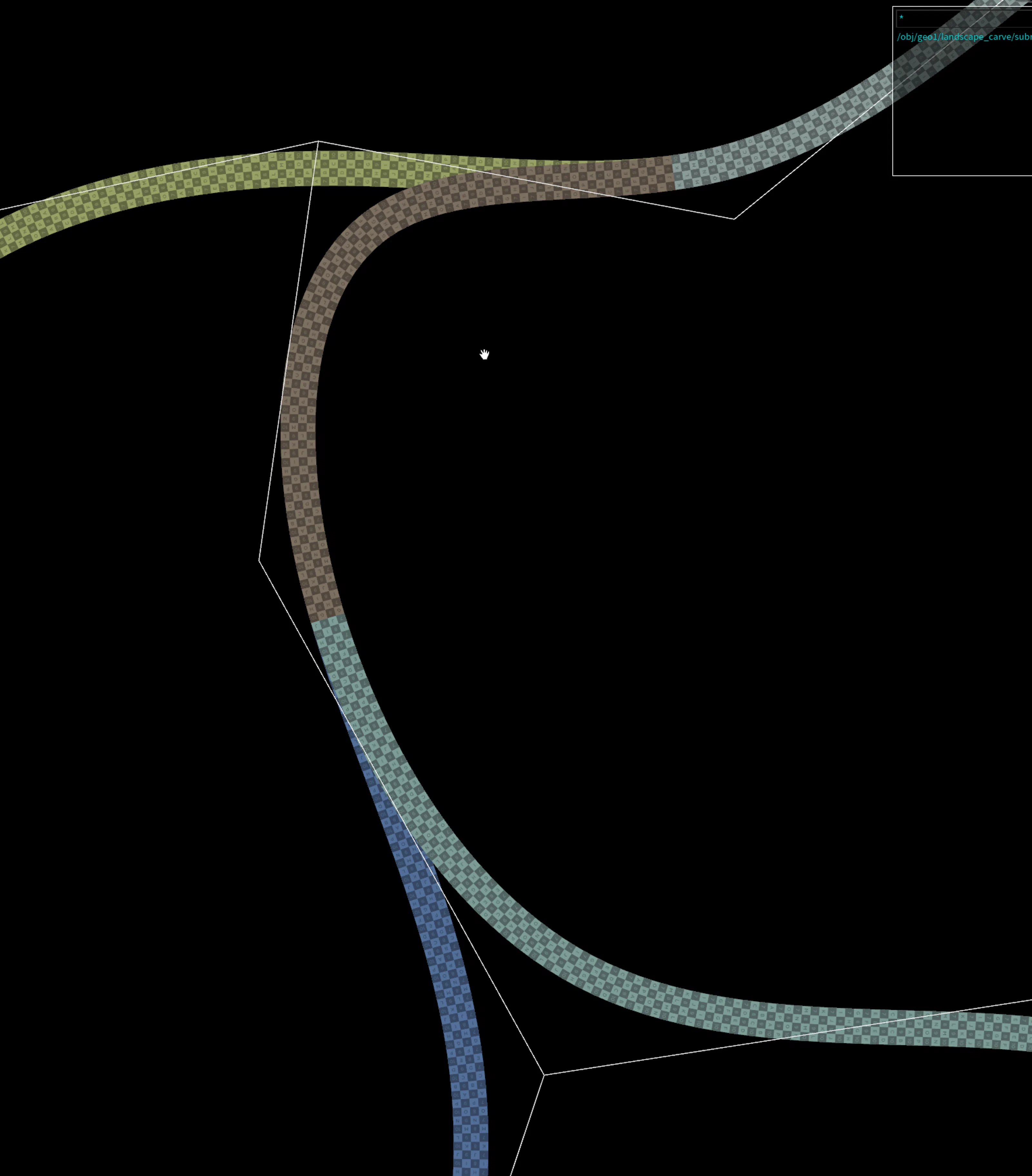
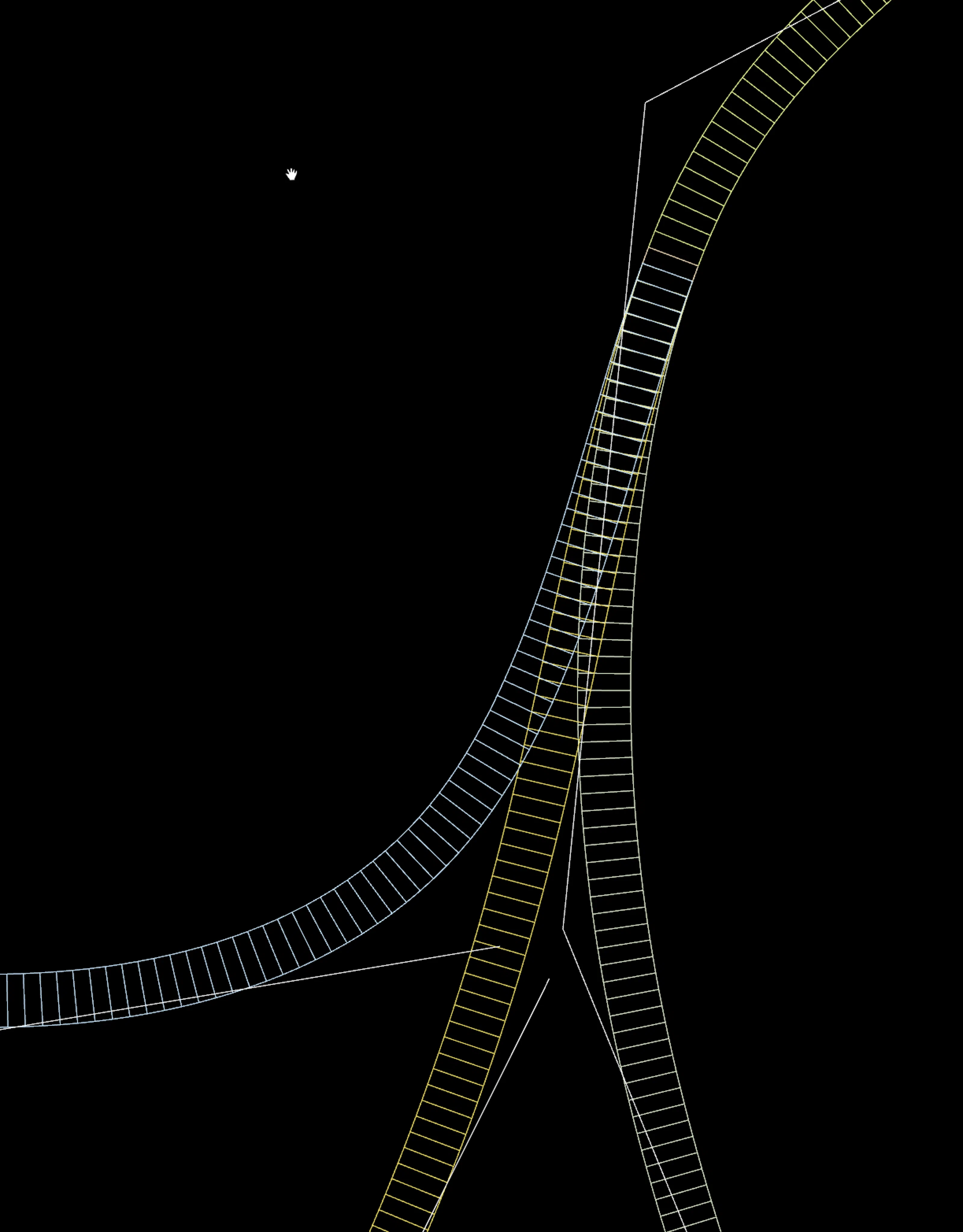
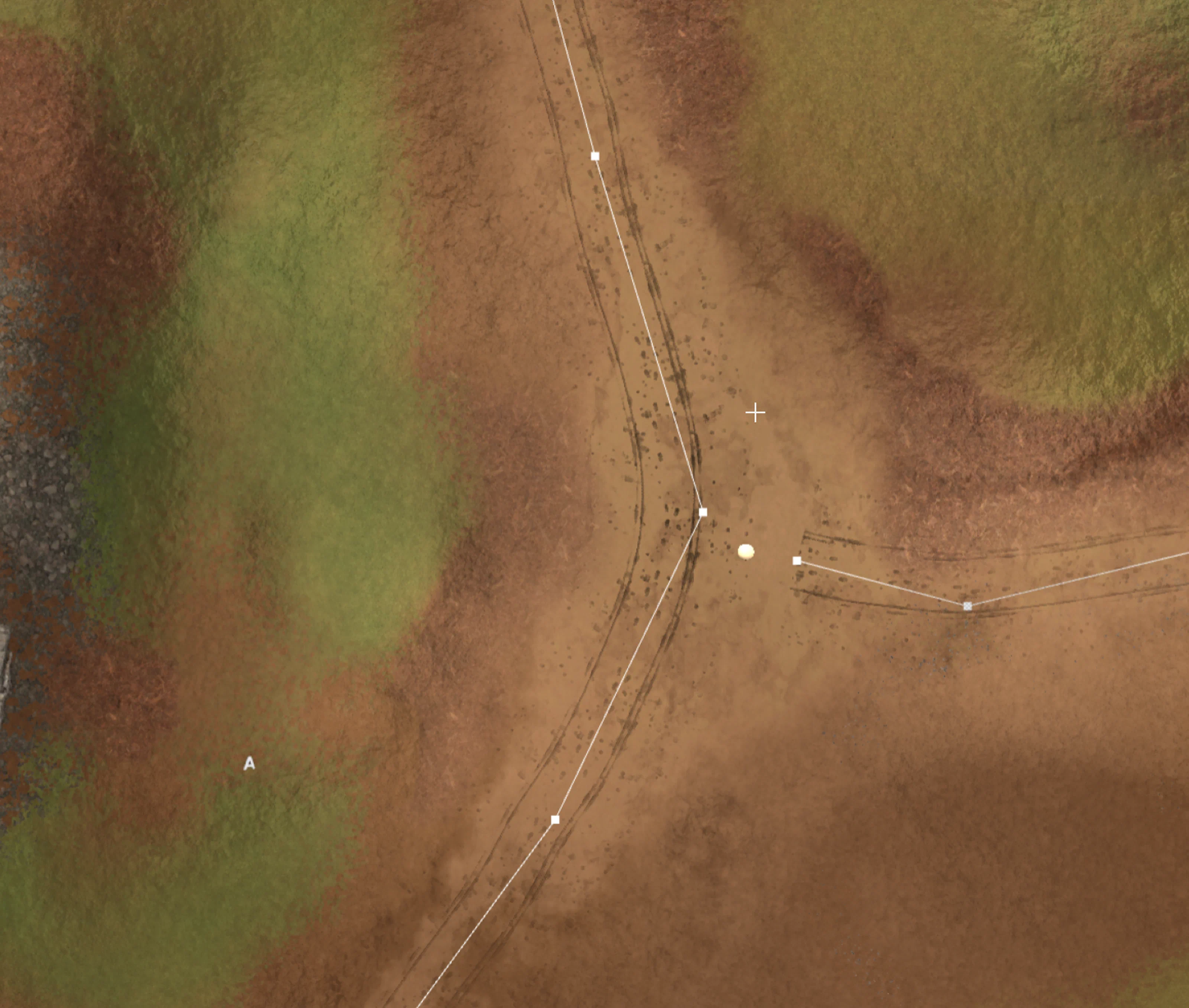
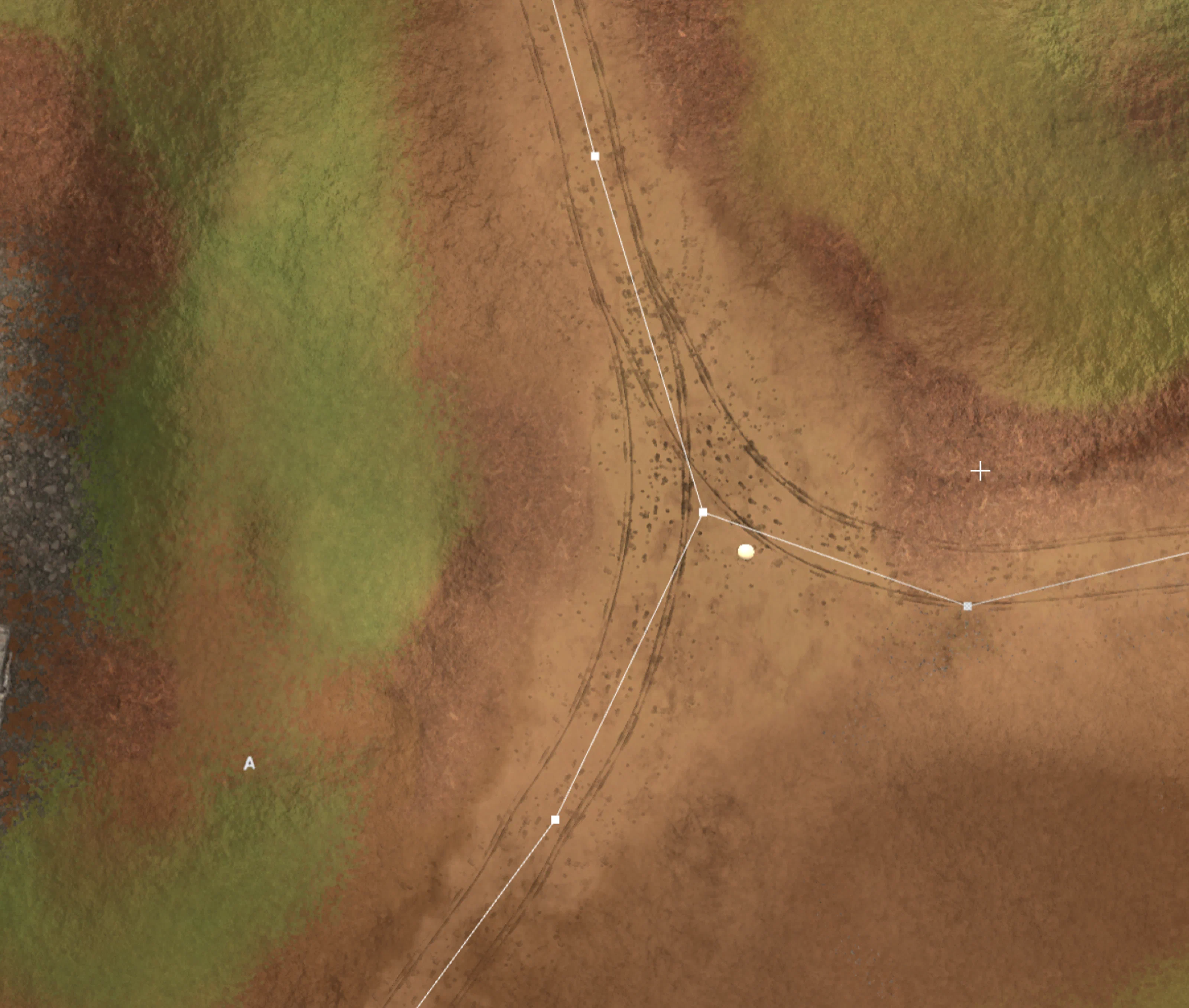
A custom Houdini solver removed overlaps at sharp angles, so paths branched and crossed cleanly even when artists dragged splines through tight turns.
No solver
Solver
Terrain integration
The tool leveled the terrain along each path so it stayed walkable, then blended the new surface back into the landscape without hard cuts. It also generated a skirt mesh around the path edges, so artists could feather between the path geometry and the terrain as gameplay required.
Intersection snapping
When two curve ends are close, the paths line up along their shared direction. Artists can keep their splines simple, and the tool sorts out branch order and spacing in Houdini before sending meshes to Unreal.
Shared core with the River Tool
This tool and the Terrain River Tool share the same caching, tiled processing, and cook-time optimizations, so both stayed fast during large world edits. Both also work with the Terrain Scatter System for dressing.
Results
Artists could lay out walkable, believable trails that blended into the terrain without manual cleanup, since the skirt meshes handled the transitions. Decals, branching, and direction added detail without hurting cook times, and several artists could work across a large landscape at once.