Immersive Environments for visionOS
I built the content authoring pipeline behind Apple Vision Pro’s immersive environments. The job was to take cinematic source assets with hundreds of millions of triangles and get them running in real time on a headset. More than ten photorealistic environments have shipped through it so far.
From film assets to real time
Source assets usually came in at hundreds of millions of triangles, and the runtime budget was closer to a few hundred thousand. I built the optimization pipeline in Houdini as a set of custom Digital Assets, so artists could rerun the reduction, art-direct it, and iterate on it every day.
I first presented this work at a visionOS developer event at Apple Park. I was one of four presenters and gave a 60-minute talk to more than 900 attendees. I then turned that talk into the WWDC 2025 session “Optimize your custom environments for visionOS.”
The optimization pipeline
Immersive boundary optimization
Most of the geometry and texture budget goes inside Vision Pro’s fixed traversable boundary. Outside it, where people can look but can’t walk, detail tapers off.
Adaptive polygon reduction
A custom HDA protects silhouettes and hero assets and cuts low-impact regions from millions of triangles down to a few hundred thousand, with no obvious visual loss.
Vista billboards
Distant geometry (1-3 km out) becomes ray-cast billboard silhouettes. That takes millions of polygons down to thousands, and the horizon still holds up.
Backface and occlusion culling
A dot-product backface test plus ray-cast occlusion checks strip out geometry nobody can see. This pass alone removes roughly 50% of the remaining triangles.
Procedural UV partitioning and projection
Spherical and multi-projection UVs give texel density to whatever will be most visible on screen. Texture footprint drops a lot, and distortion stays under control.
Texture baking and atlas compression
Gigabytes of PBR textures get baked into atlases under 250 MB, keeping the important lighting and material detail.
USD partitioning for frustum culling
Each environment is split into hierarchical USD partitions so the runtime can frustum cull them. Only visible entities reach the GPU, and draw calls stay under 100 per frame.
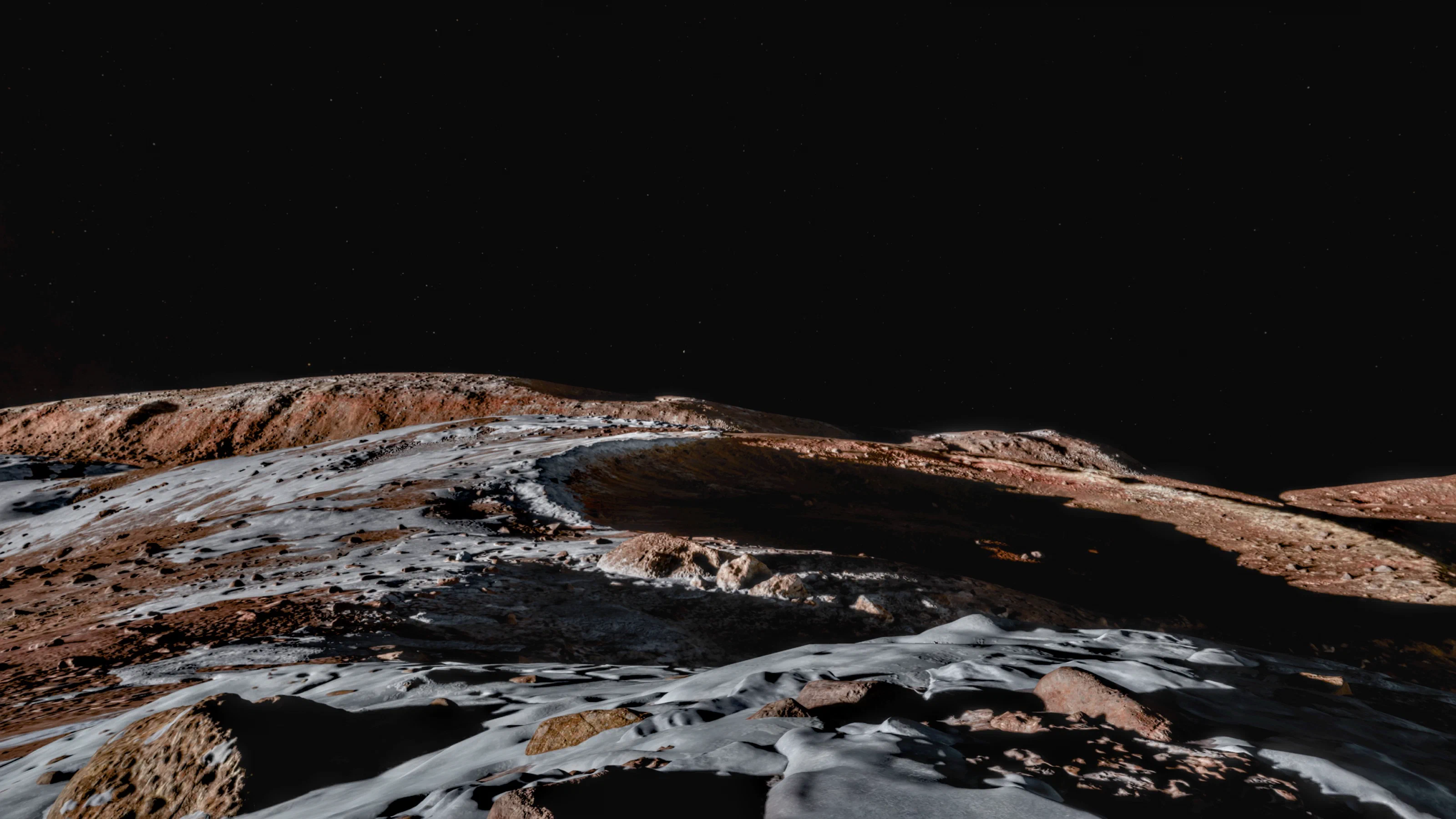
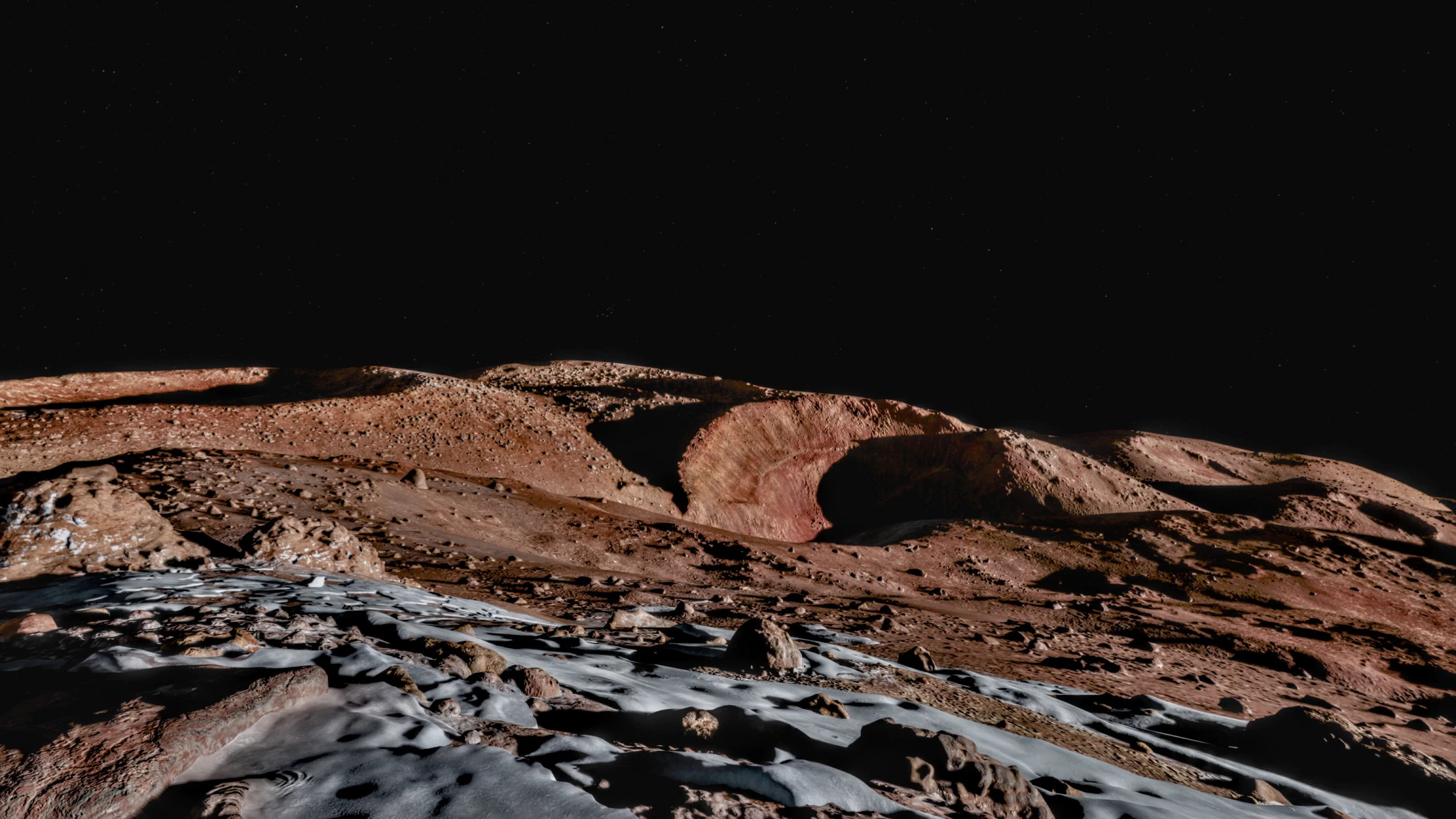
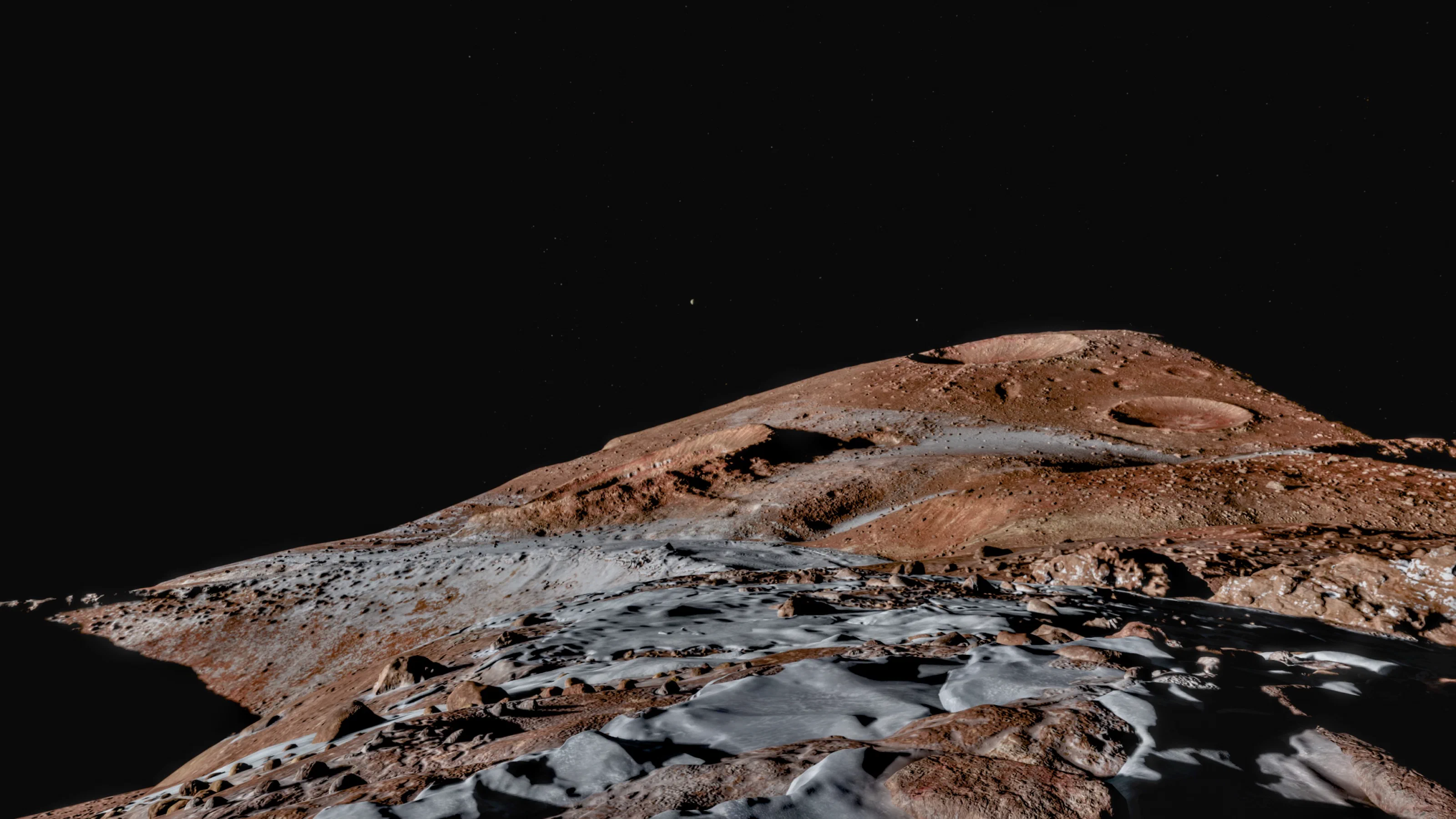
The Moon environment
The WWDC session used the Moon as its case study. The source scene had more than 100 million triangles and dozens of gigabytes of path-traced PBR textures. After the pipeline it came to:
- Under 200,000 triangles, with under 100,000 visible in any frame
- Under 250 MB of texture memory, in two atlases
- Under 200 entities
- Under 100 draw calls per frame
Download the 14 Houdini HDAs →
Shipped environments
In visionOS, an environment is an immersive scene that surrounds you while system UI and app windows float in front of it. Environments are part of the OS, not separate apps.
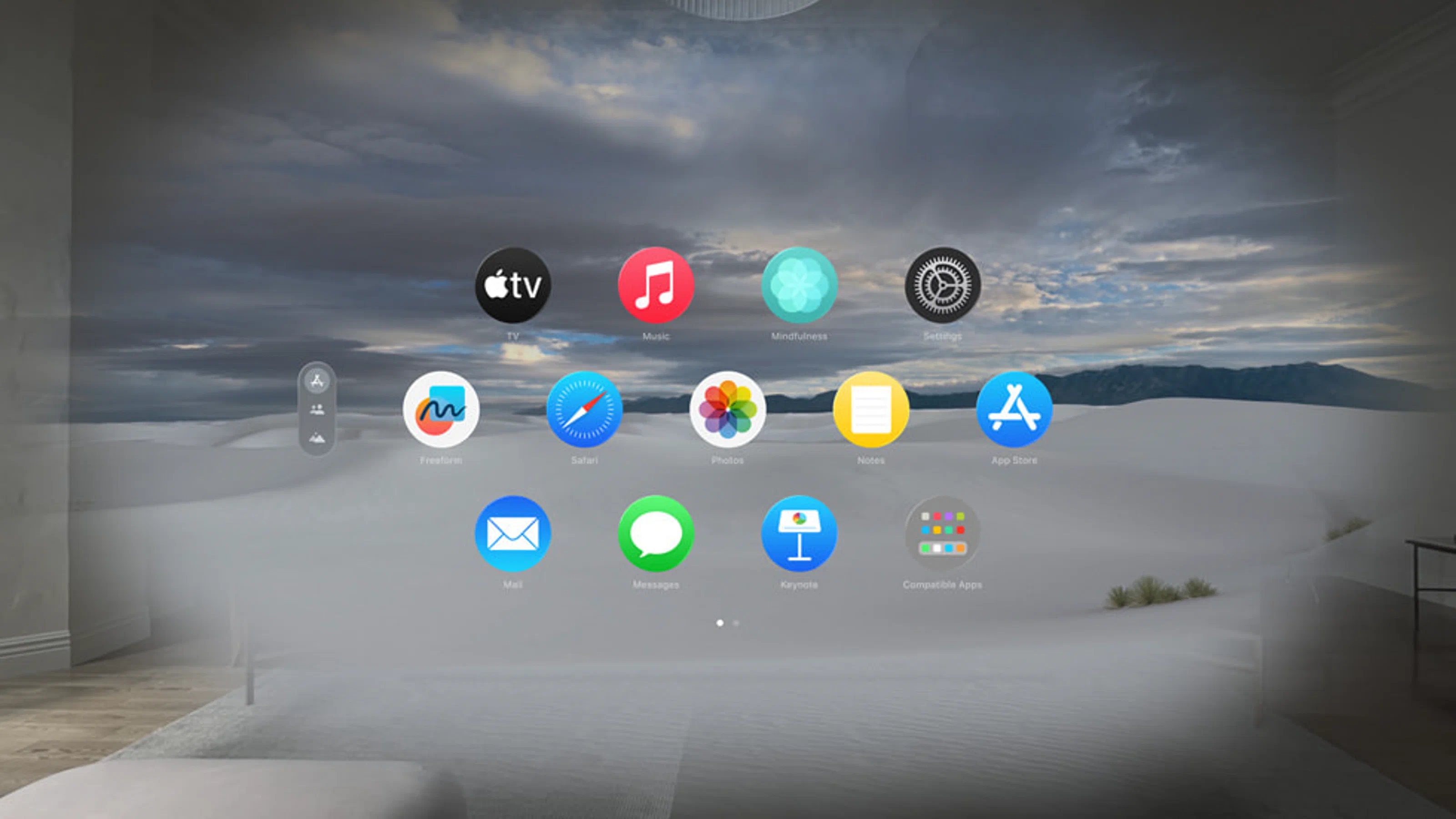
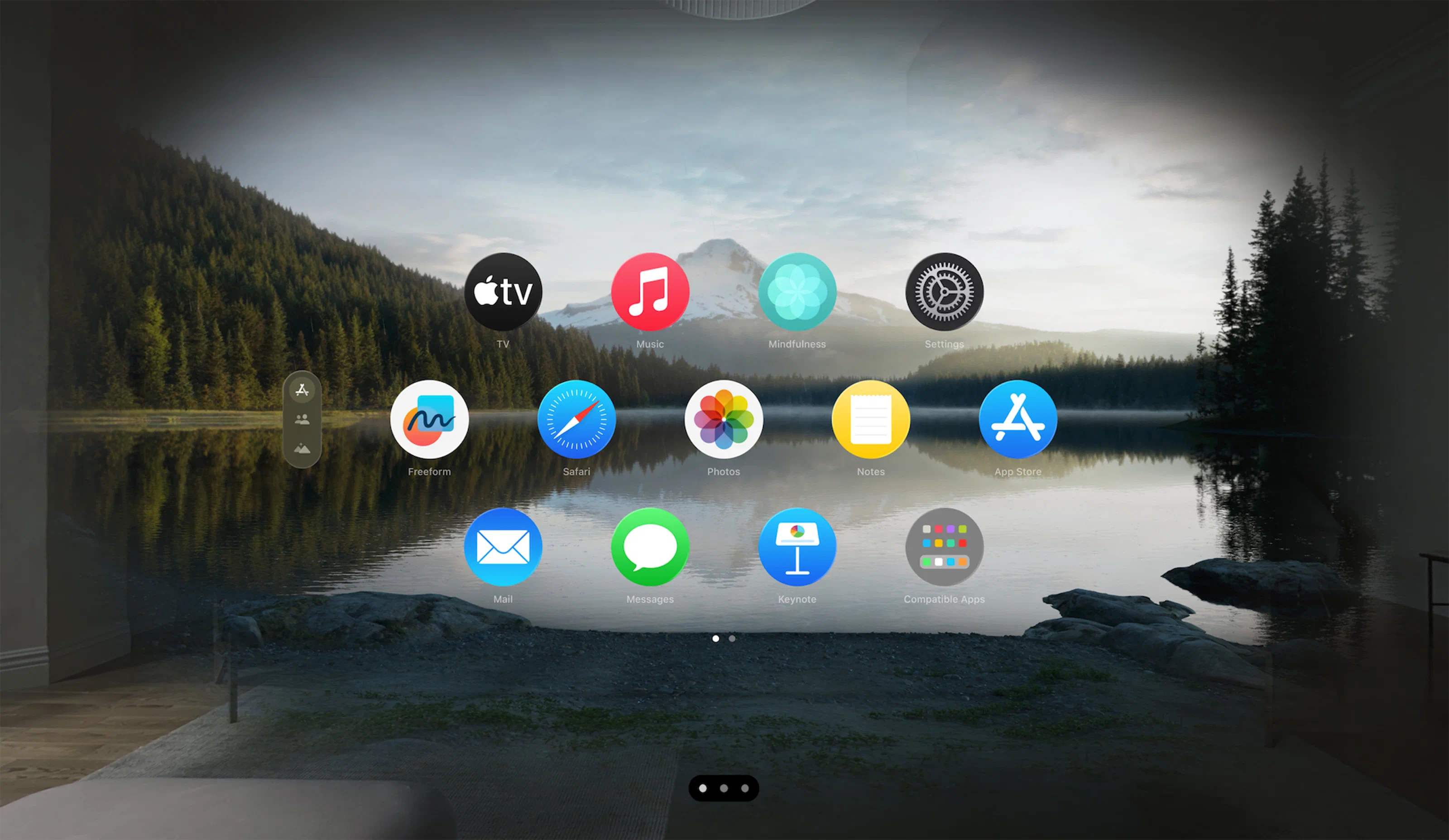
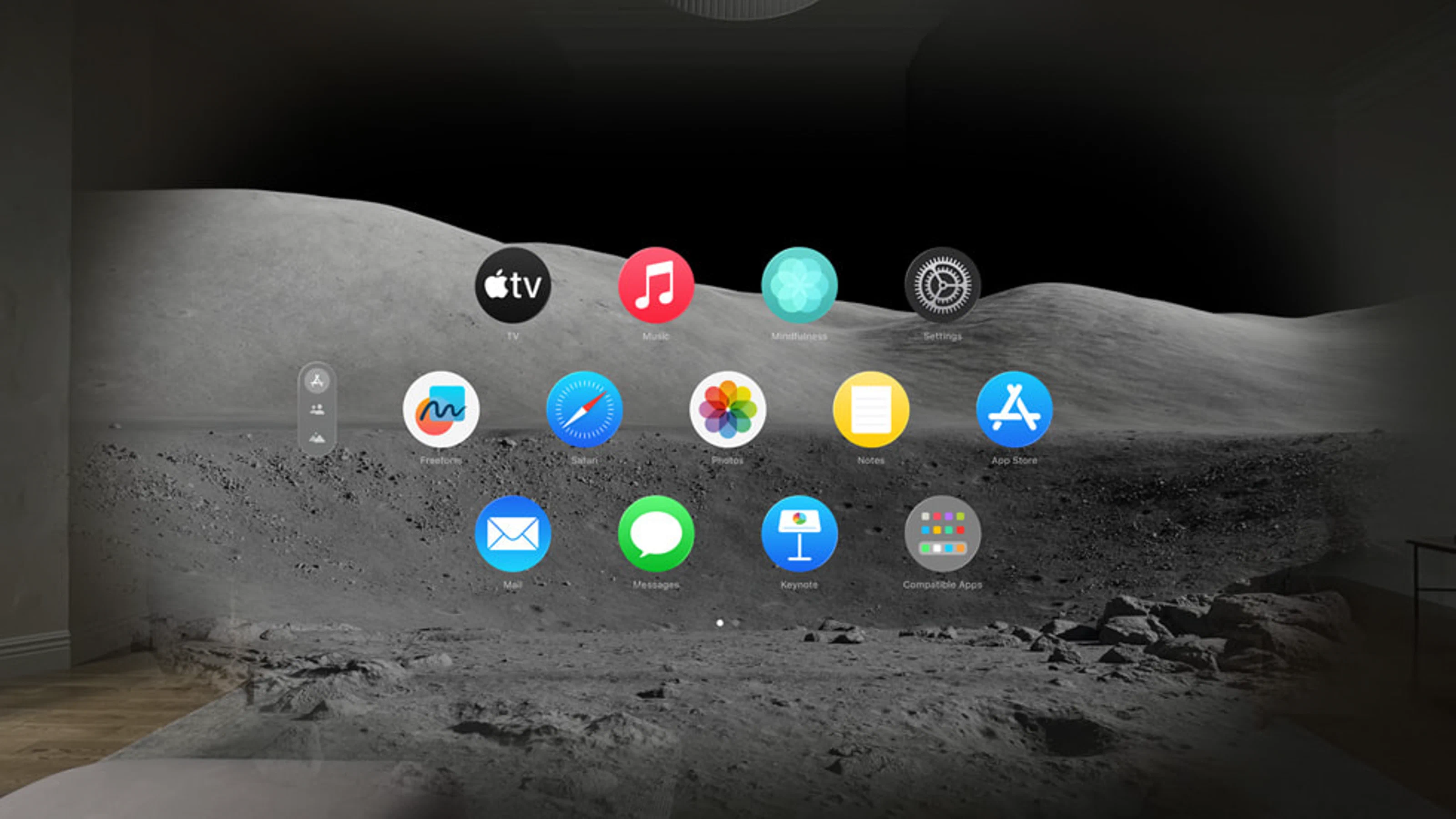
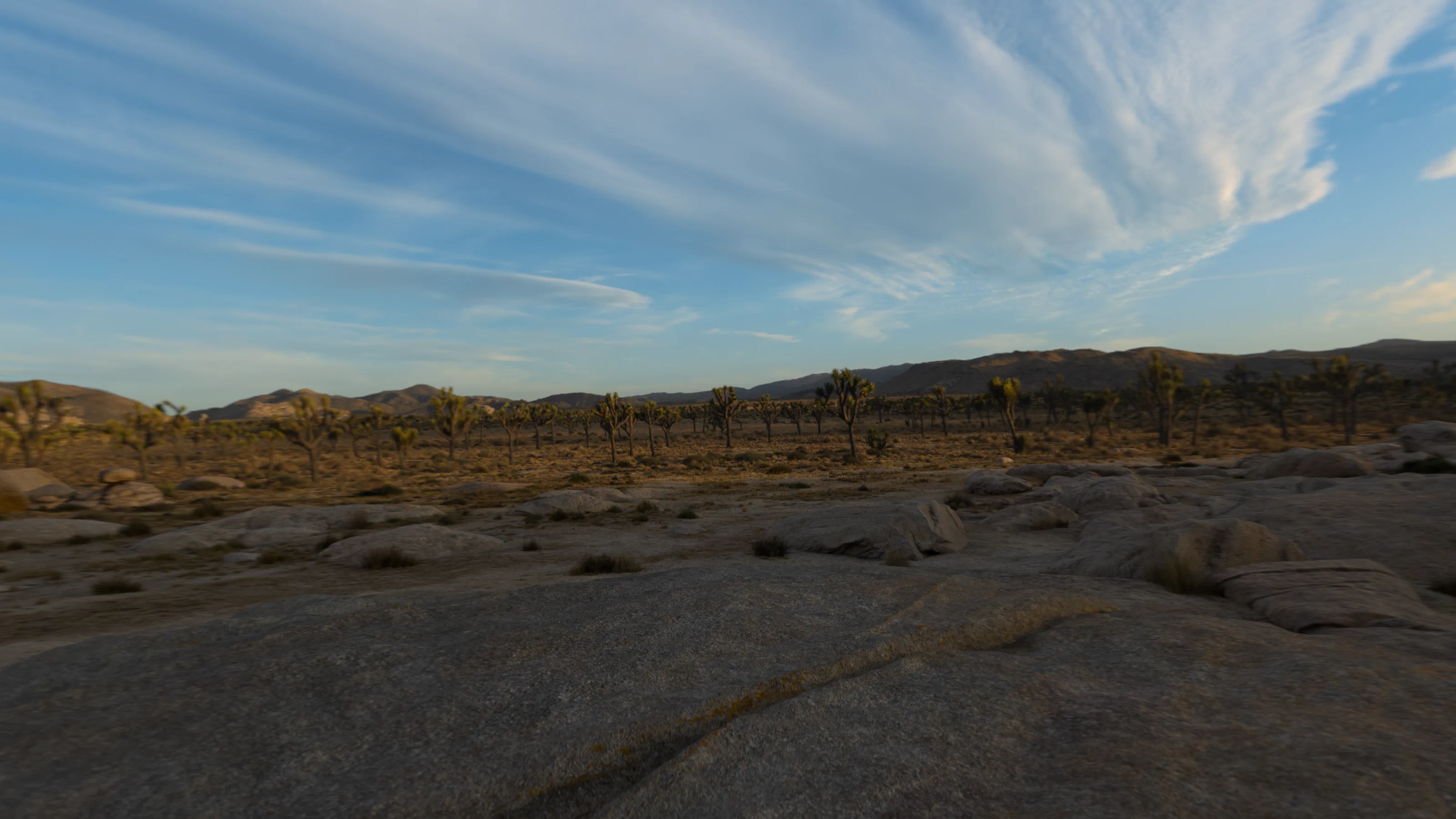
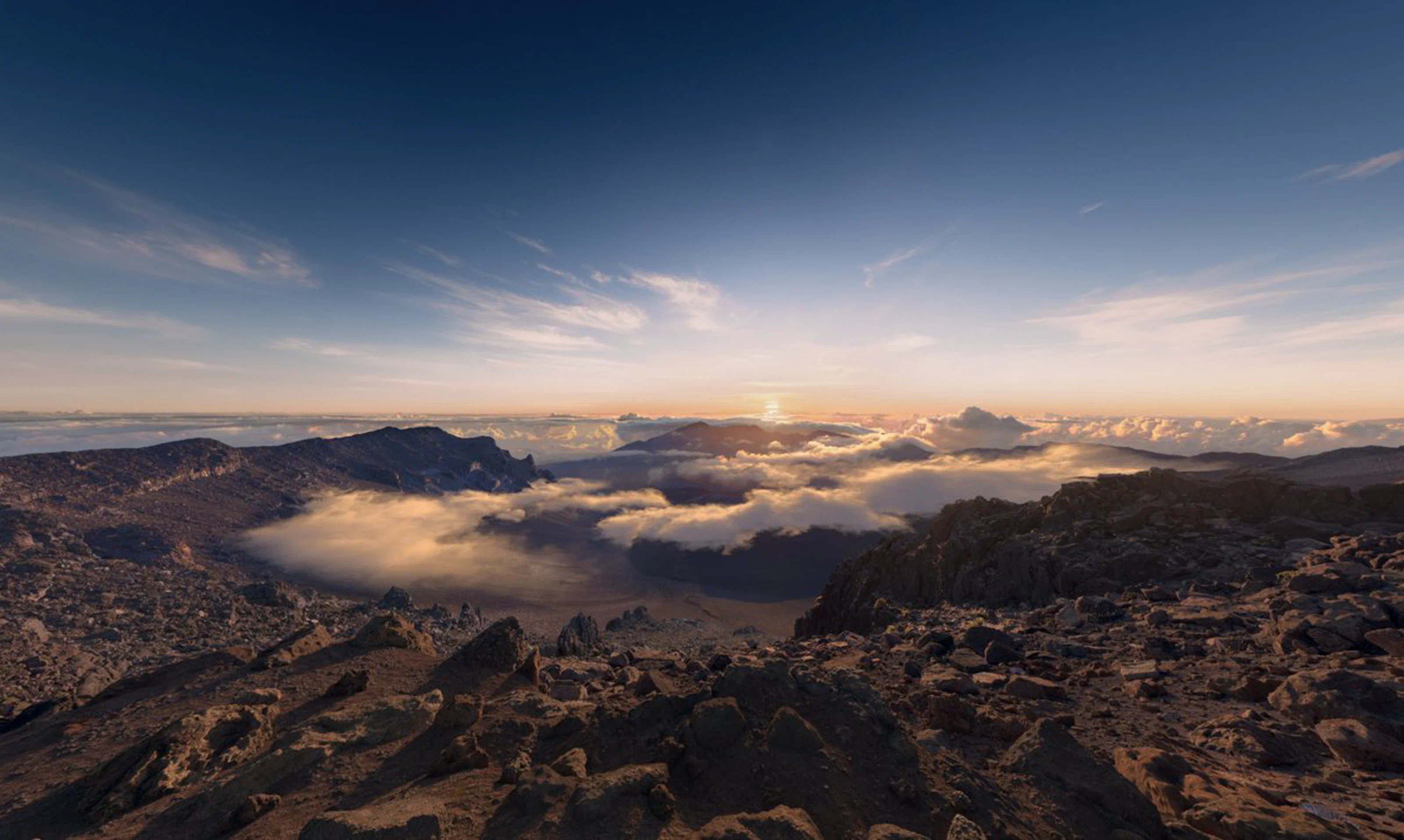
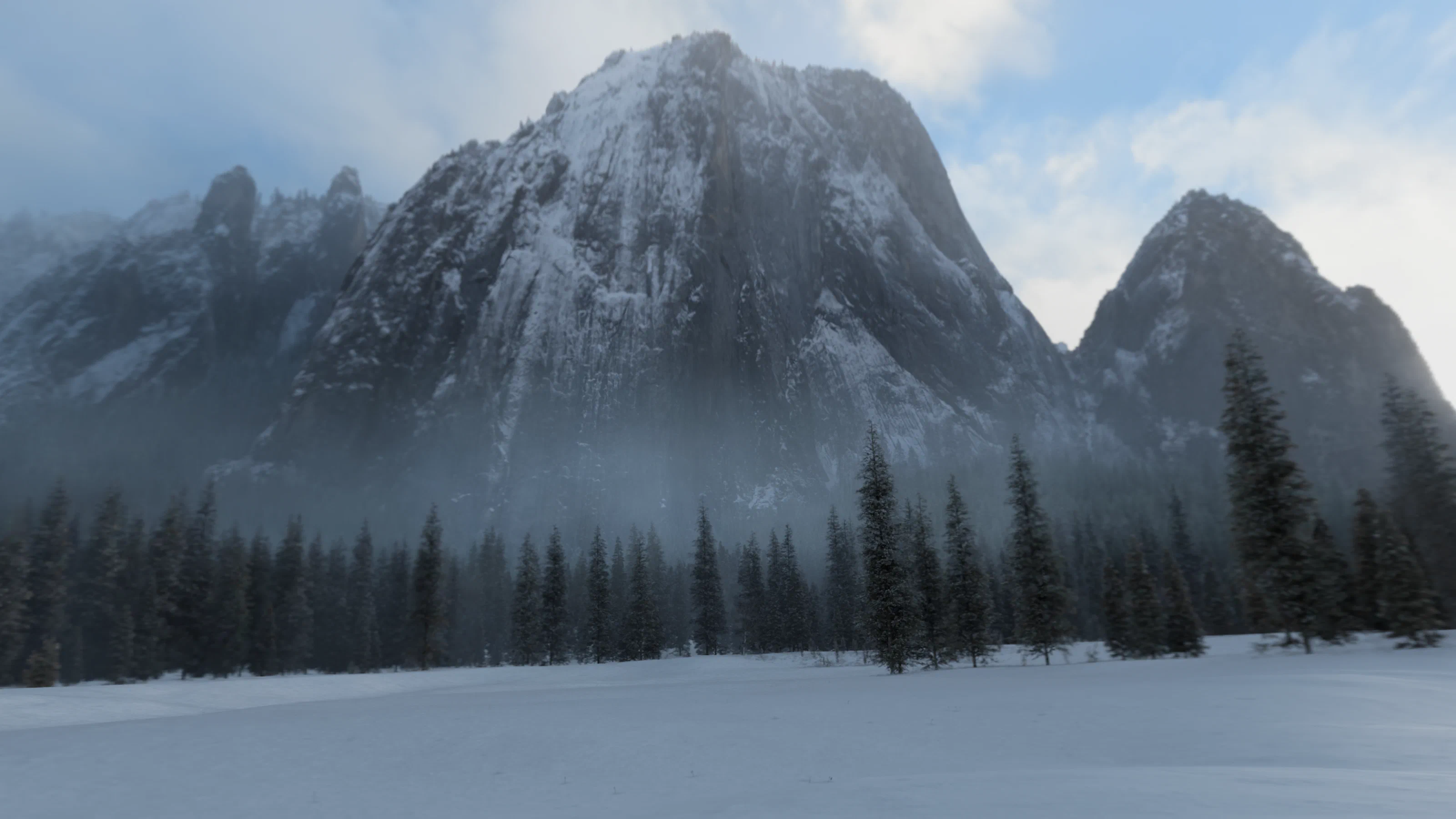
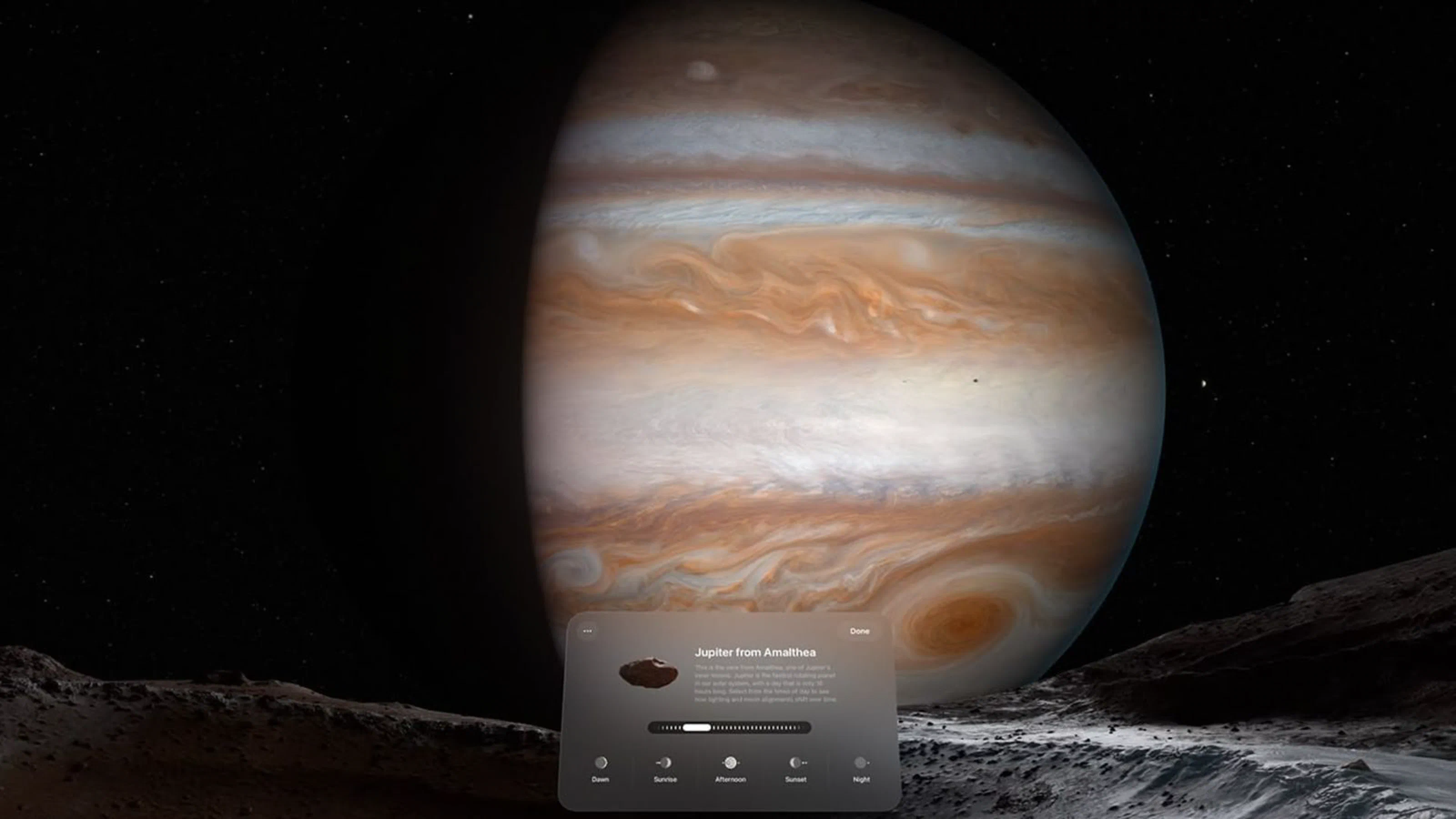
Jupiter, with time-of-day transitions
Jupiter added atmospheric transitions across the times of day. That made lighting and atmosphere more expensive at runtime, so the rest of the environment had to be optimized harder to leave headroom. I extended the pipeline and automated more of it so iteration stayed fast.
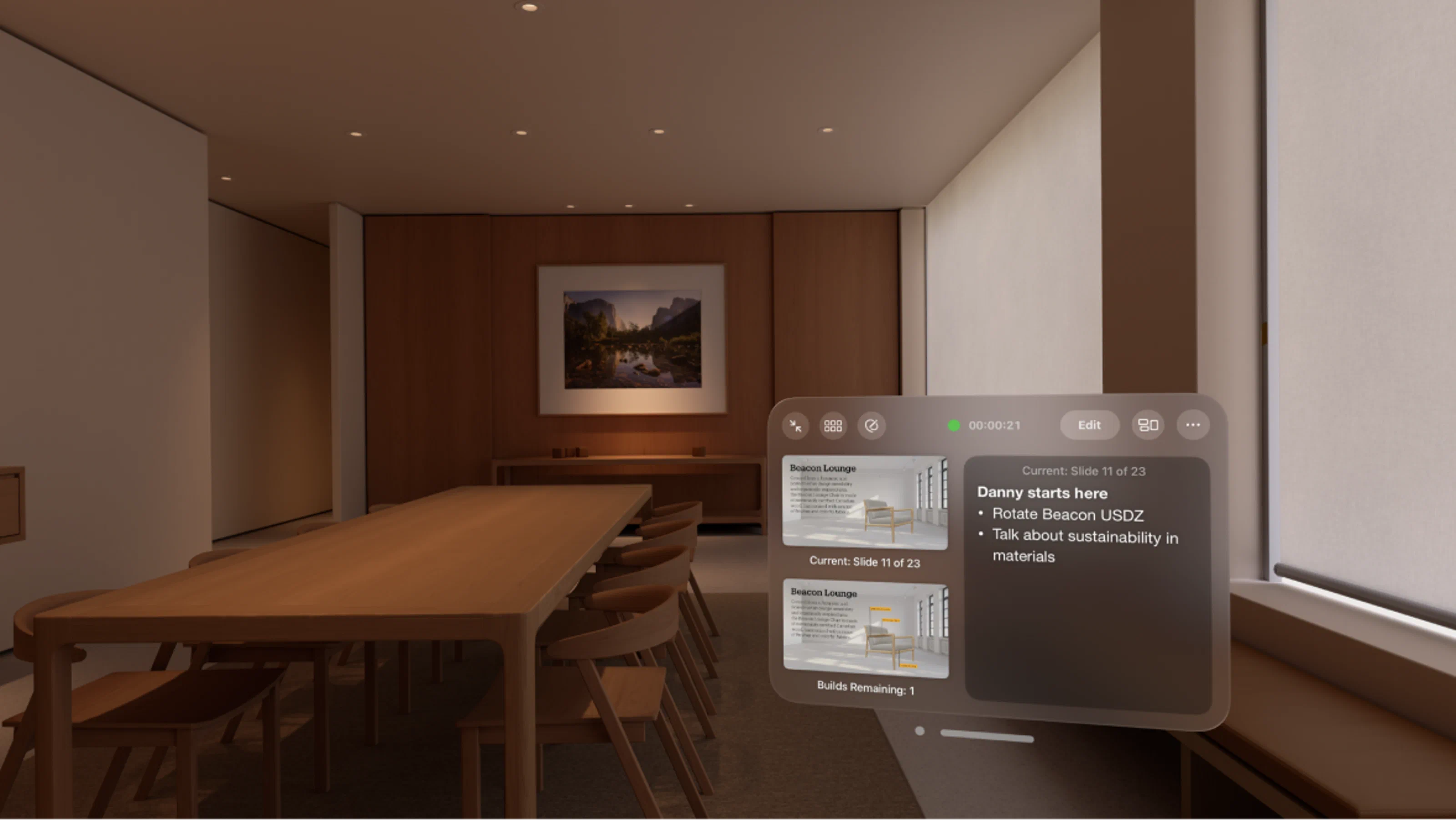
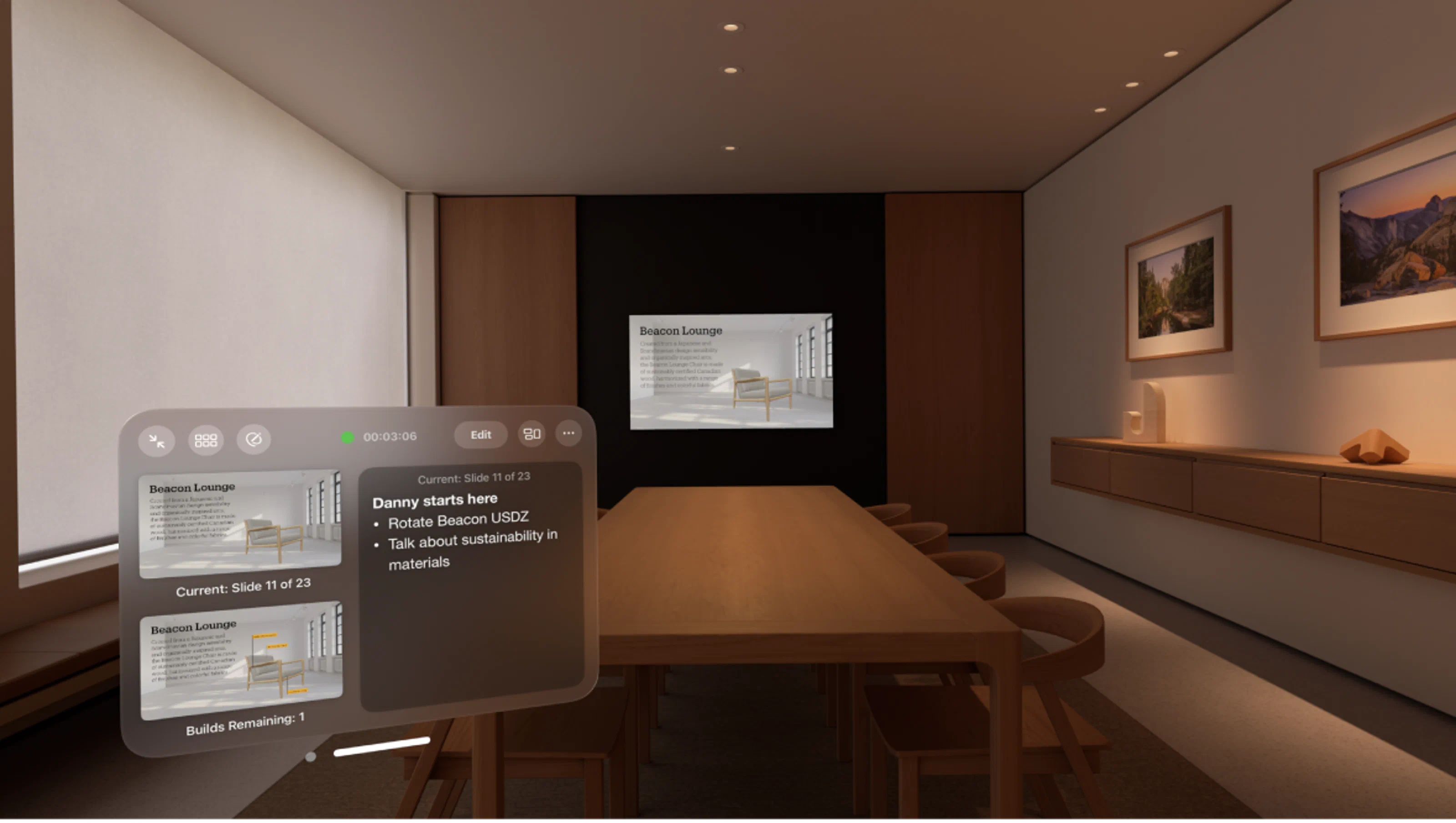
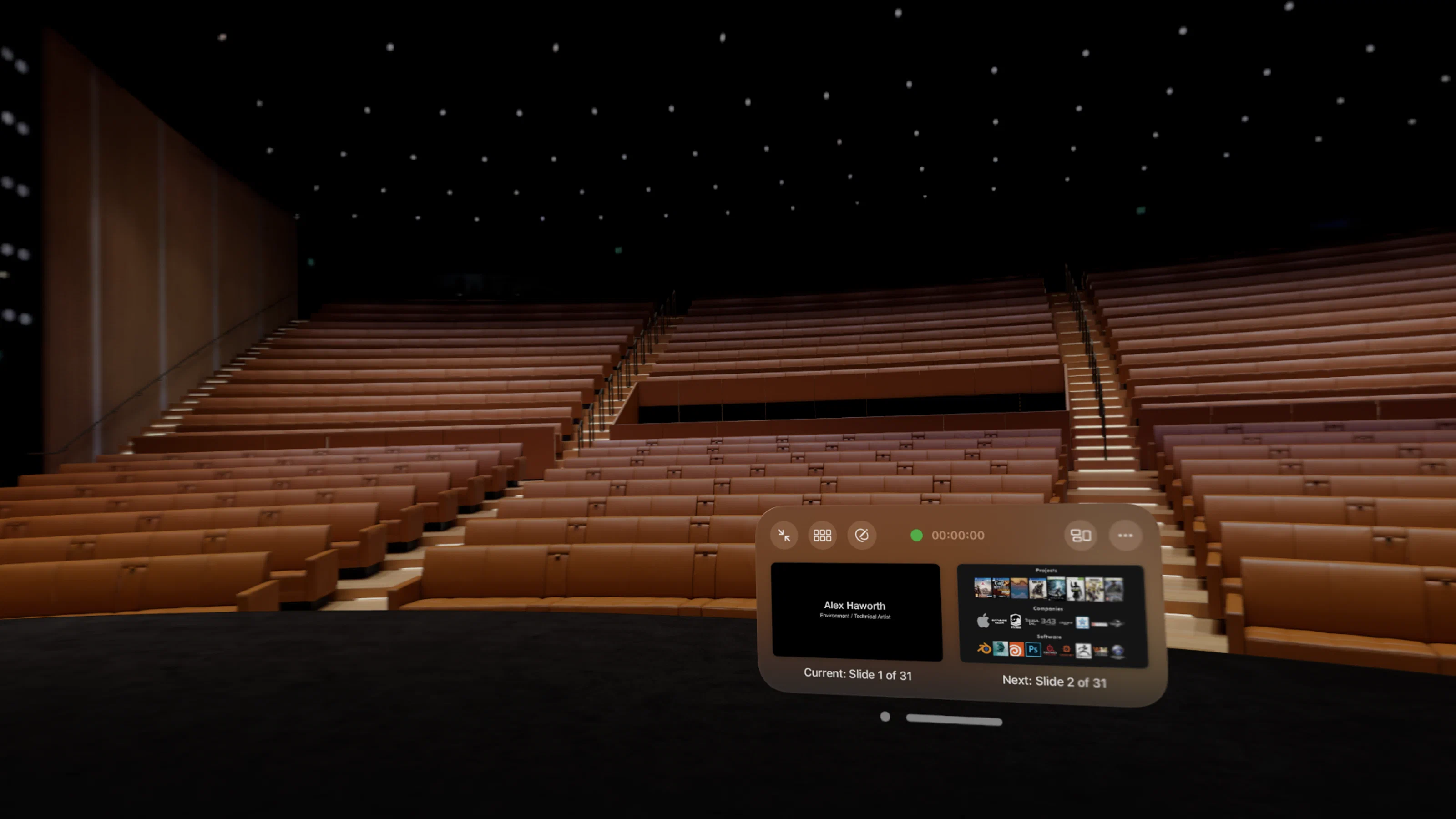
App-specific environments
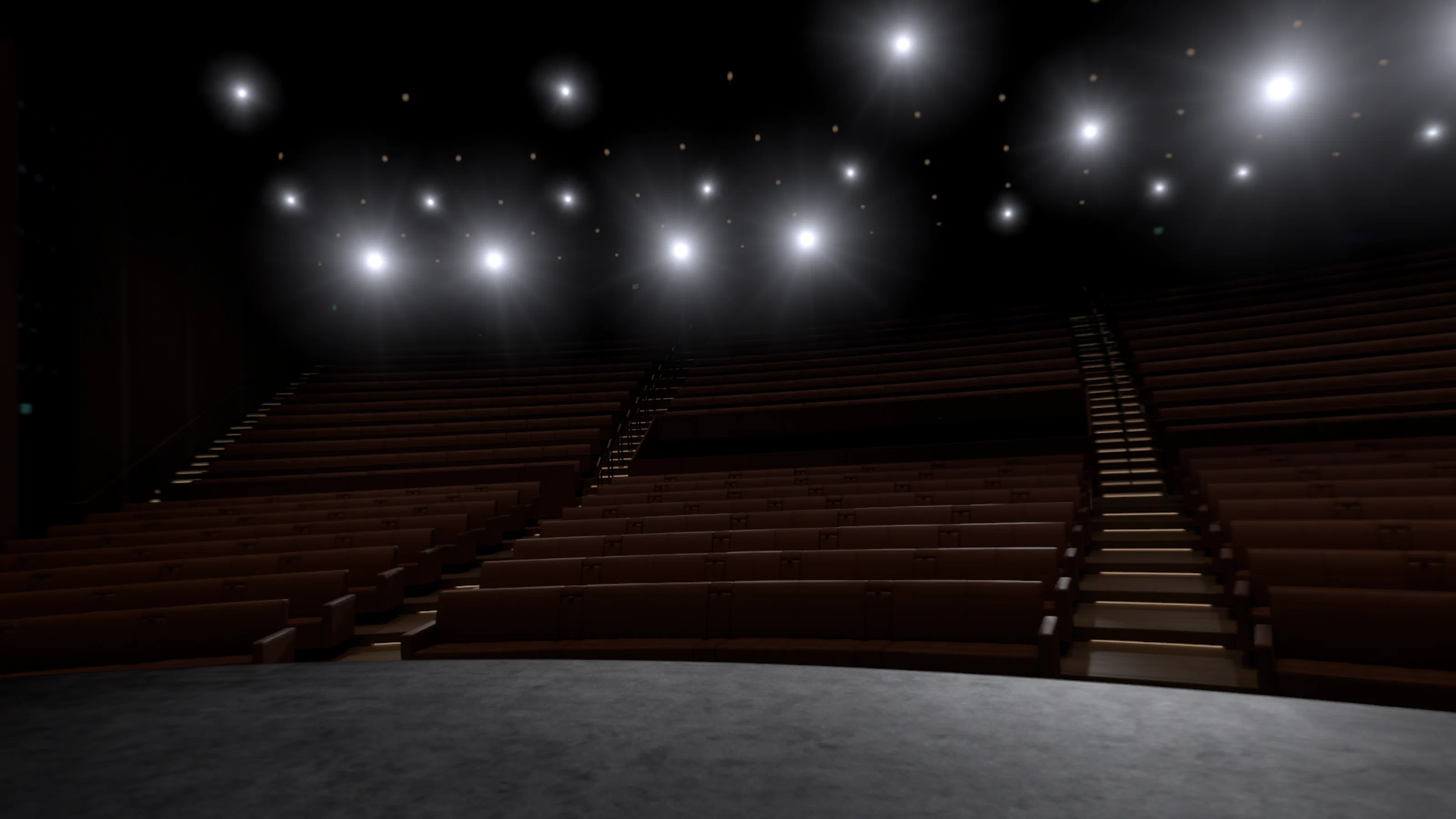
The same pipeline also handled environments built for specific apps. For Keynote, the art team built the Conference Room and Steve Jobs Theater so people could rehearse presentations in a realistic space. Those hard-surface interiors were a good stress test after so many natural landscapes.