Modular Procedural Pipes
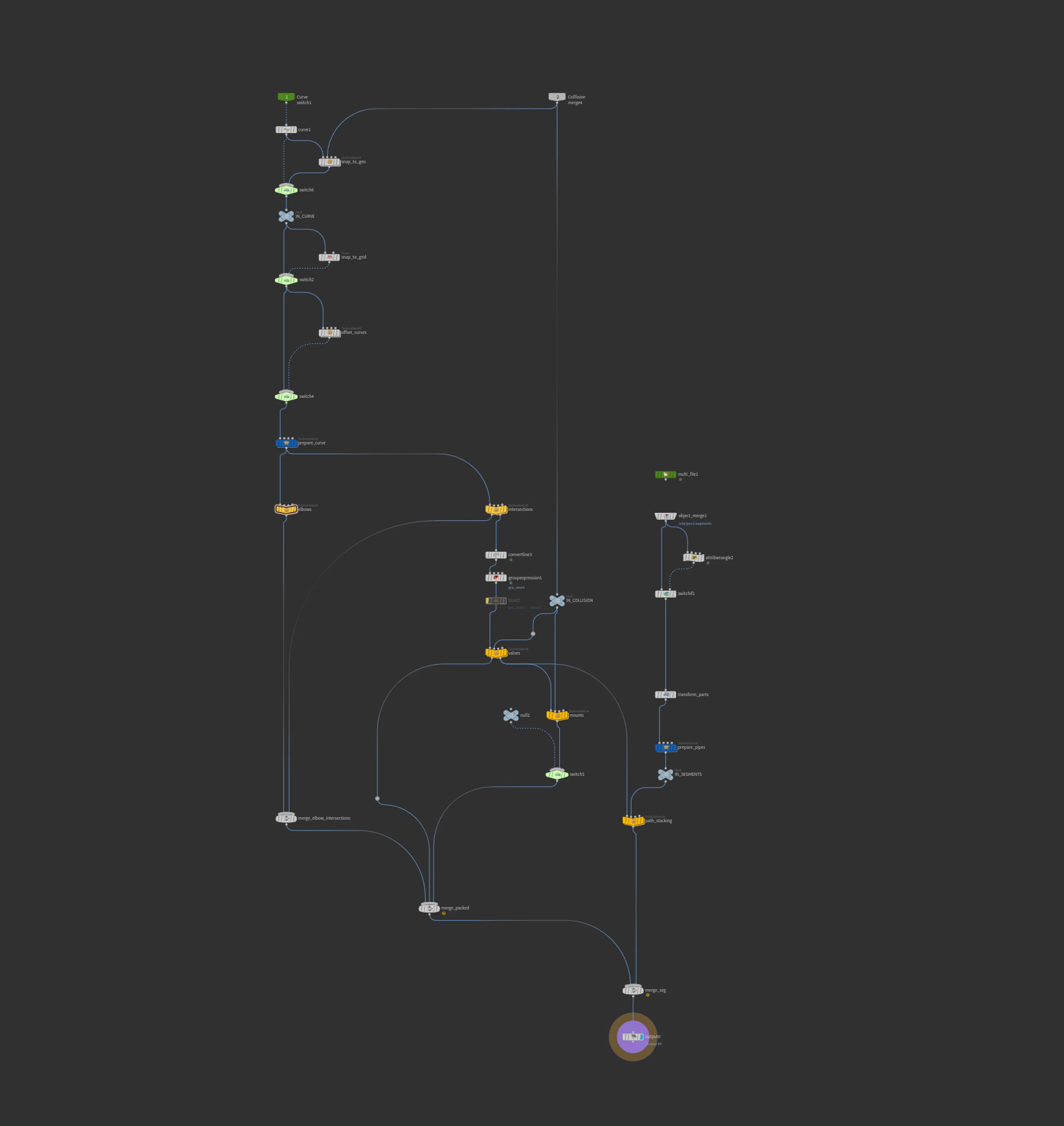
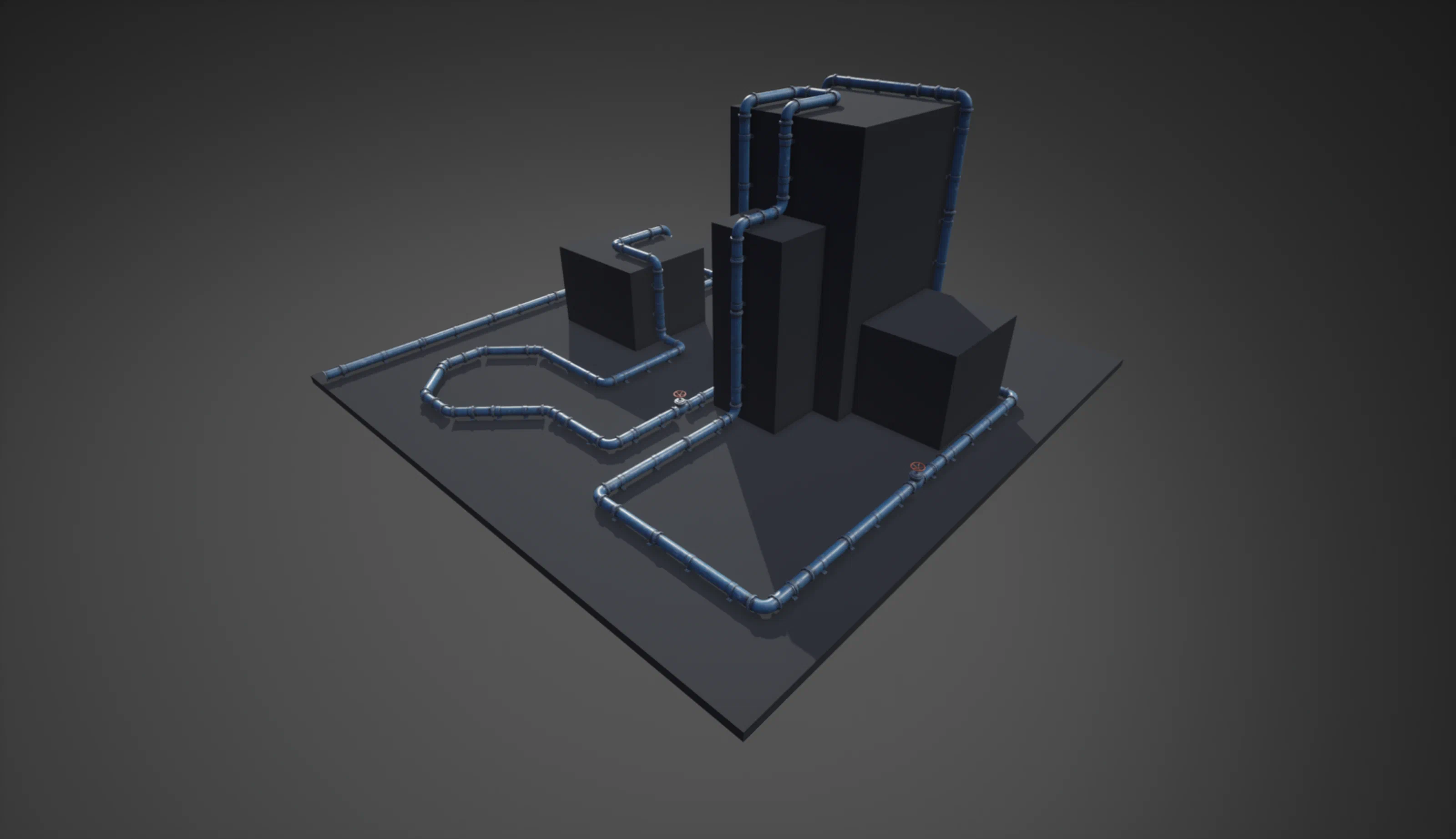
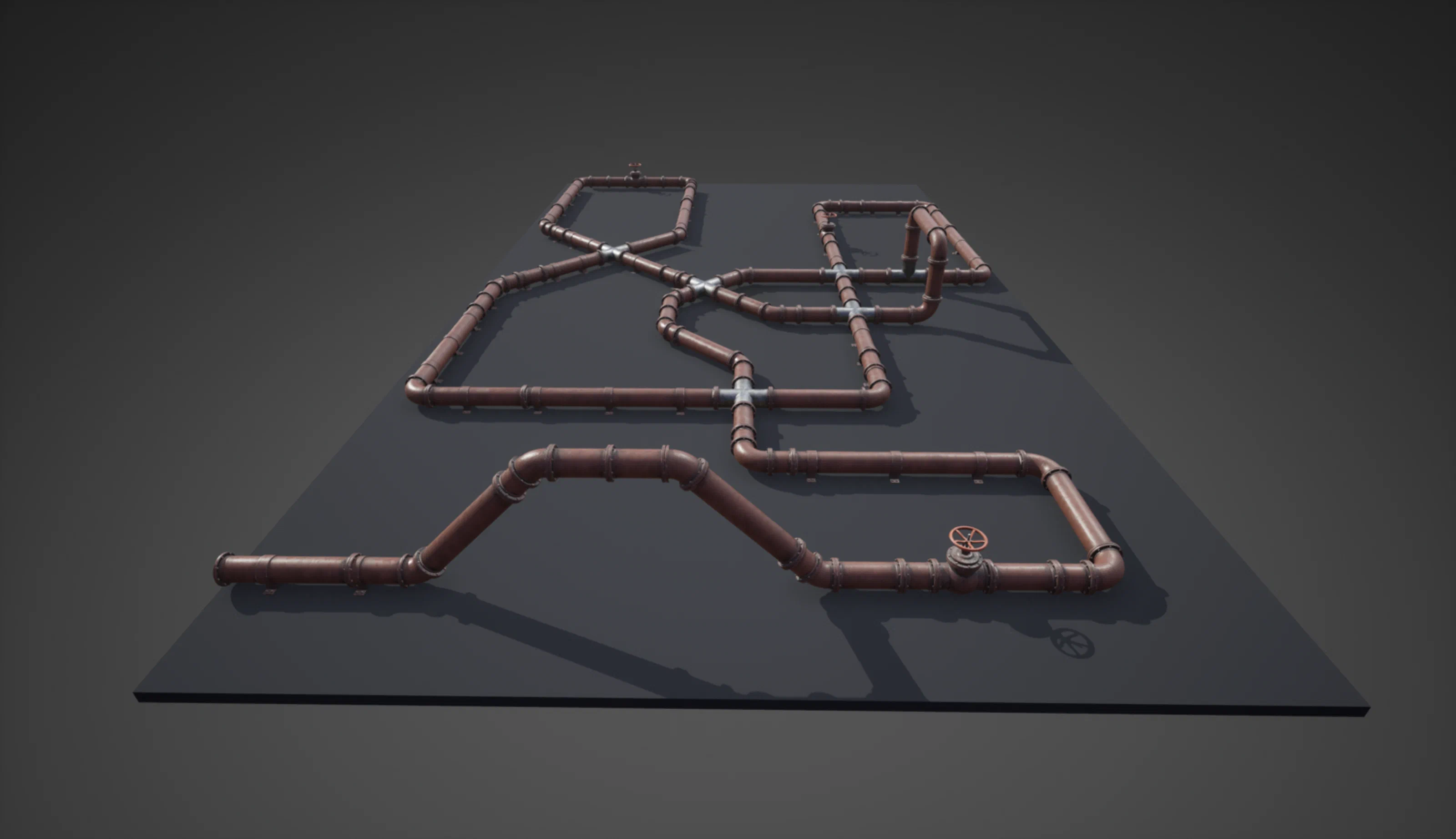
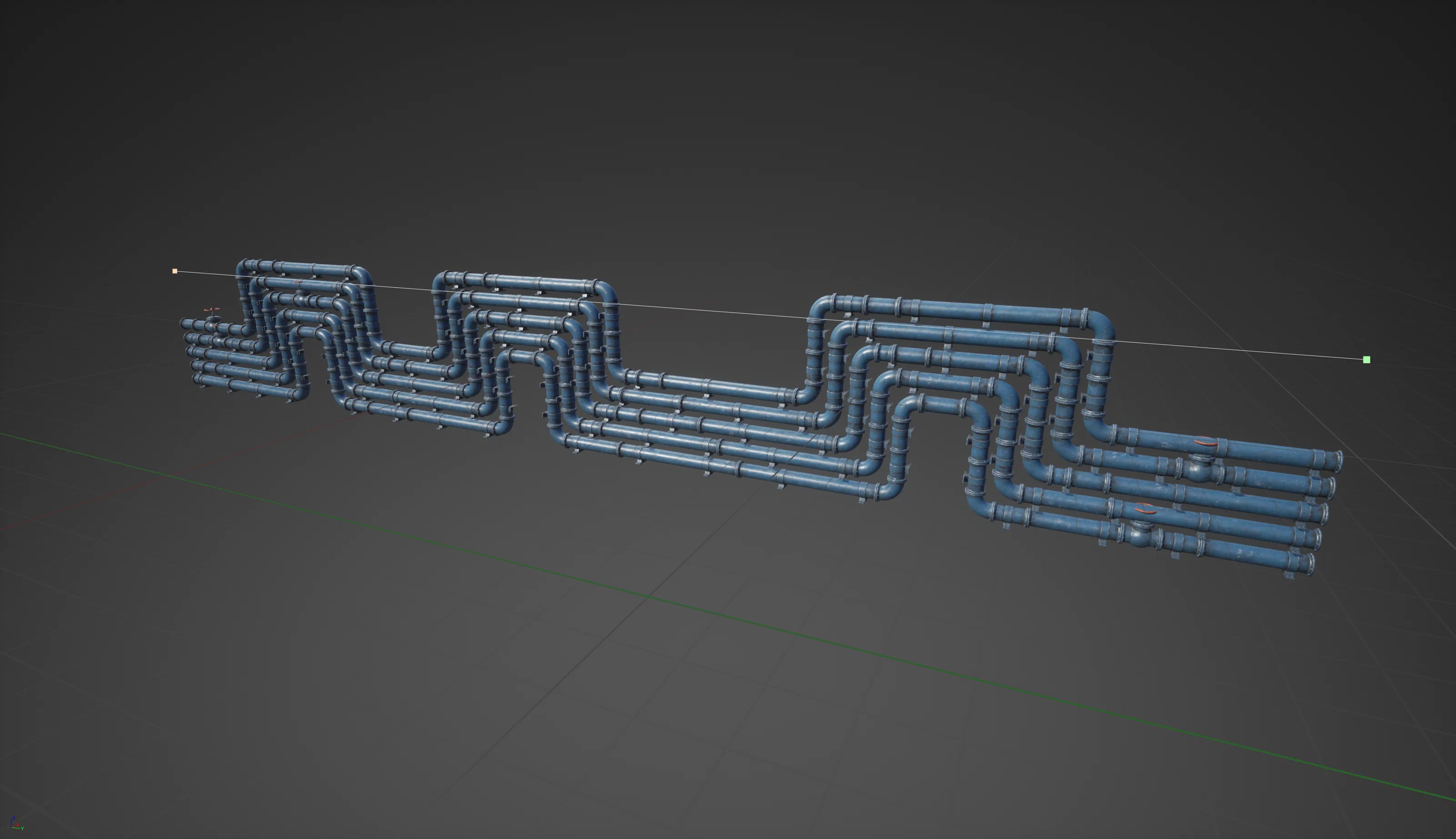
I built this Houdini HDA to fit modular pieces like pipes and conduits along a user-drawn spline. Through Houdini Engine for Unreal, artists can feed it any number of static mesh pieces and get procedural layouts directly in-engine. Unlike fully procedural geometry, it works with hand-made modular pieces, so artists still control what each piece looks like.
For fully procedural geometry, see my Procedural Rocks system, which uses similar Houdini and VEX techniques.
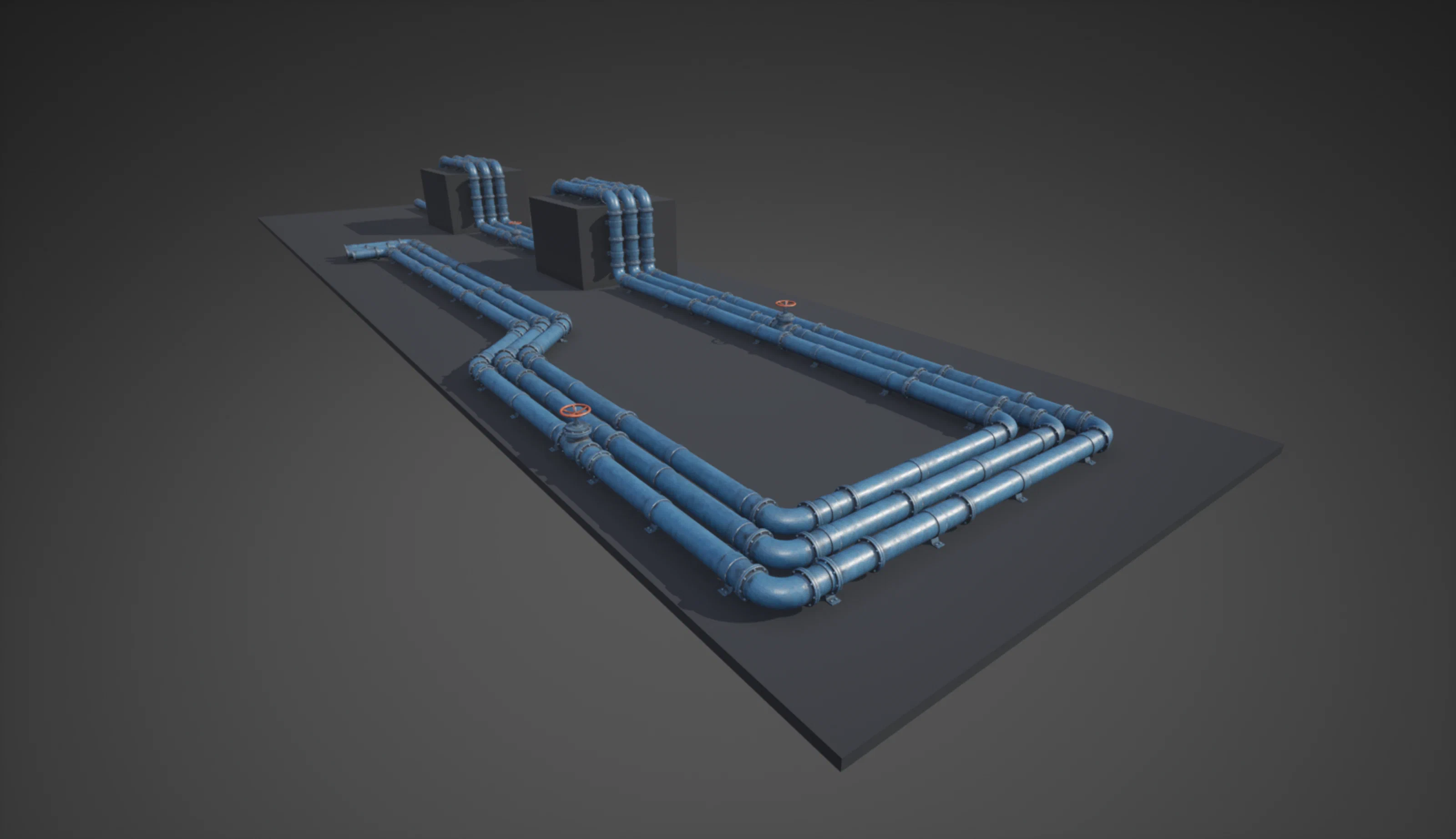
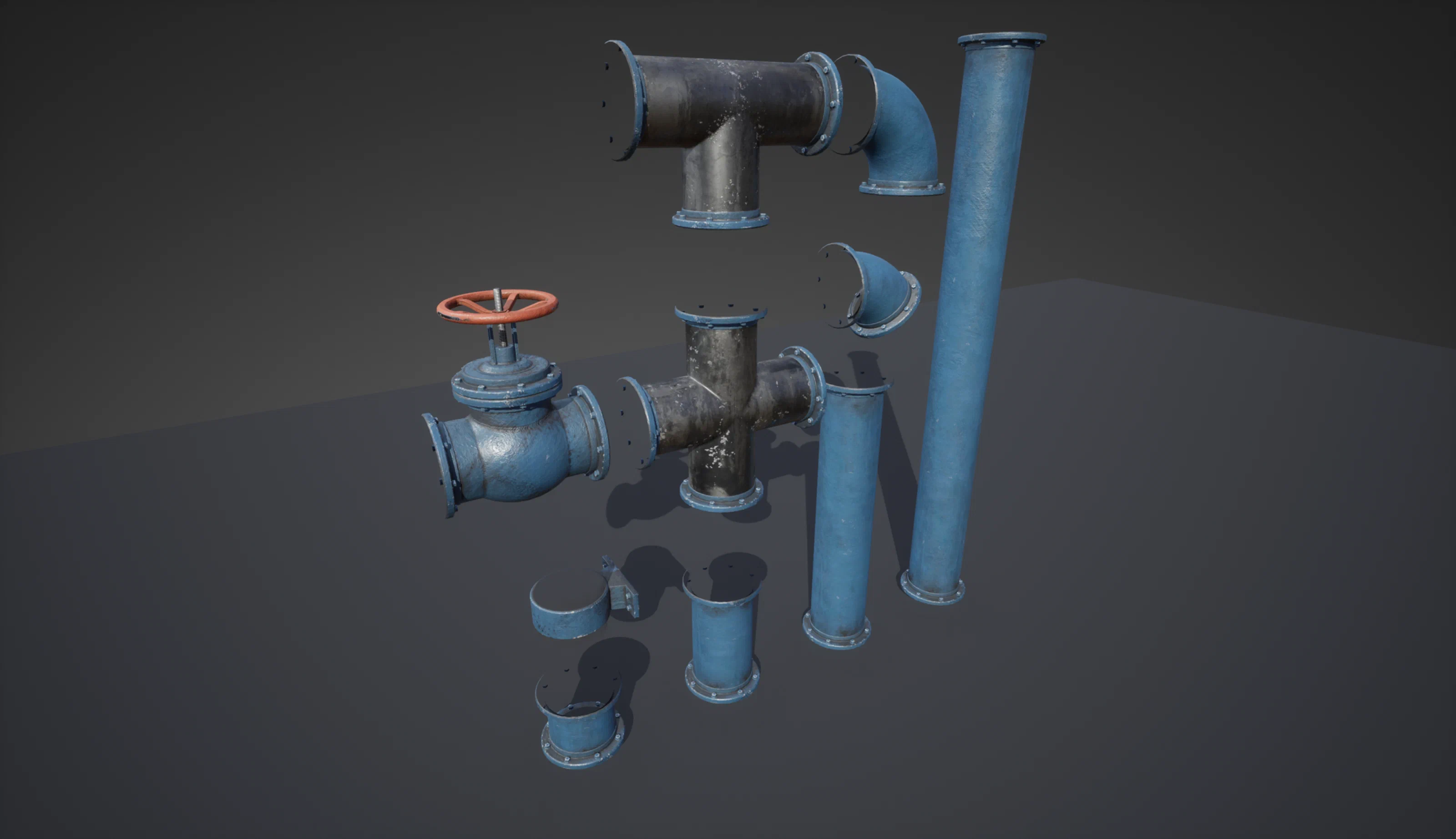
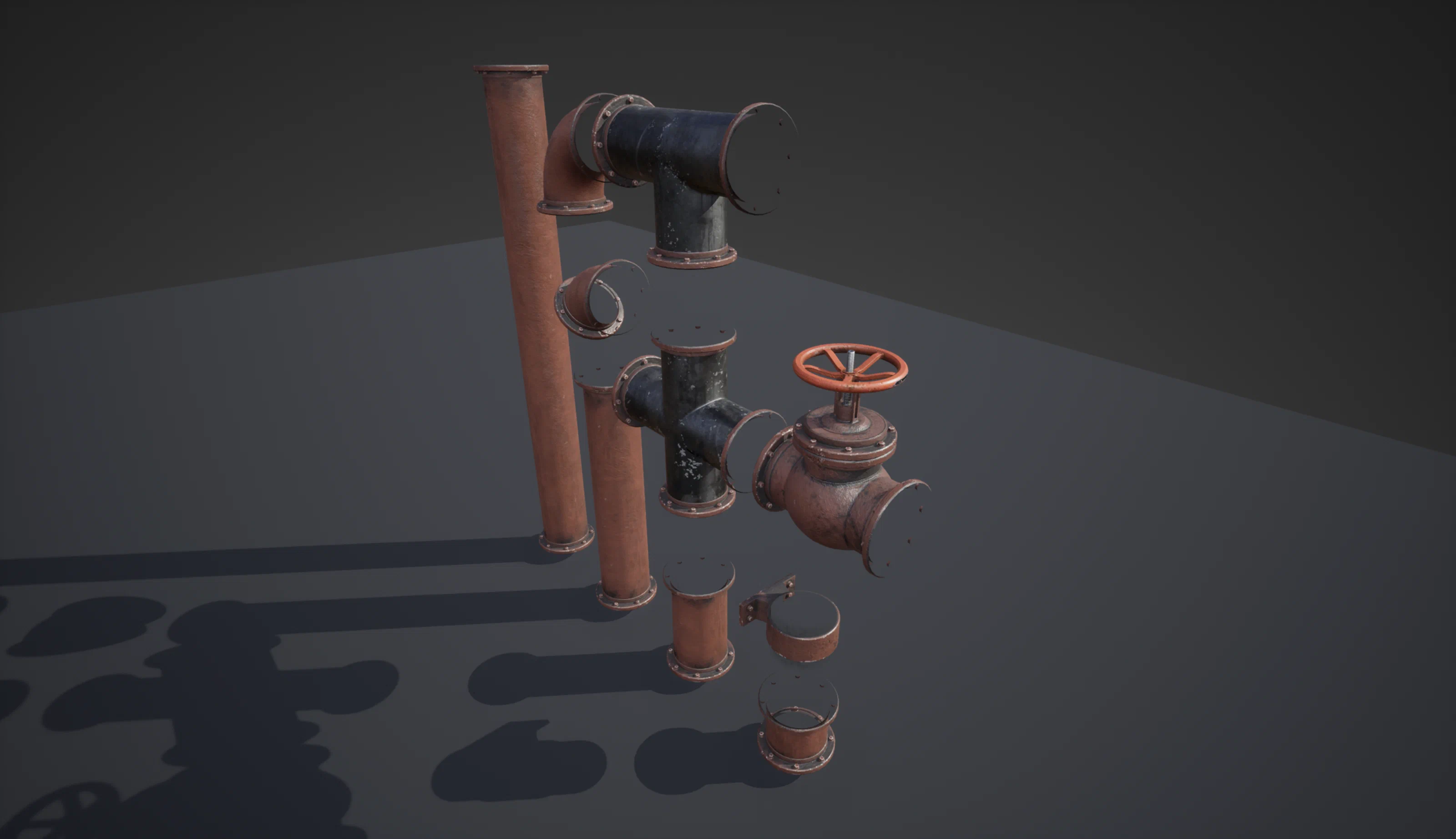
Features
- Takes modular segments of any size and fits or scales each one to the curve.
- Lets you adjust the scale of the pieces.
- Fits pieces within each curve segment.
- Rotates elbow pieces to the correct angle.
- Adds 3-way and 4-way connectors where curves intersect.
- Rotates repeating segments in 45-degree steps to vary the texture.
- Inserts valves at user-defined intervals.
- Places mounts at set intervals, aligned to reference geometry.
- Can snap the curve to reference geometry and generate vertical segments.
- Generates offset curves from the original for modular pieces to follow.
- Batches pieces to keep draw calls down.
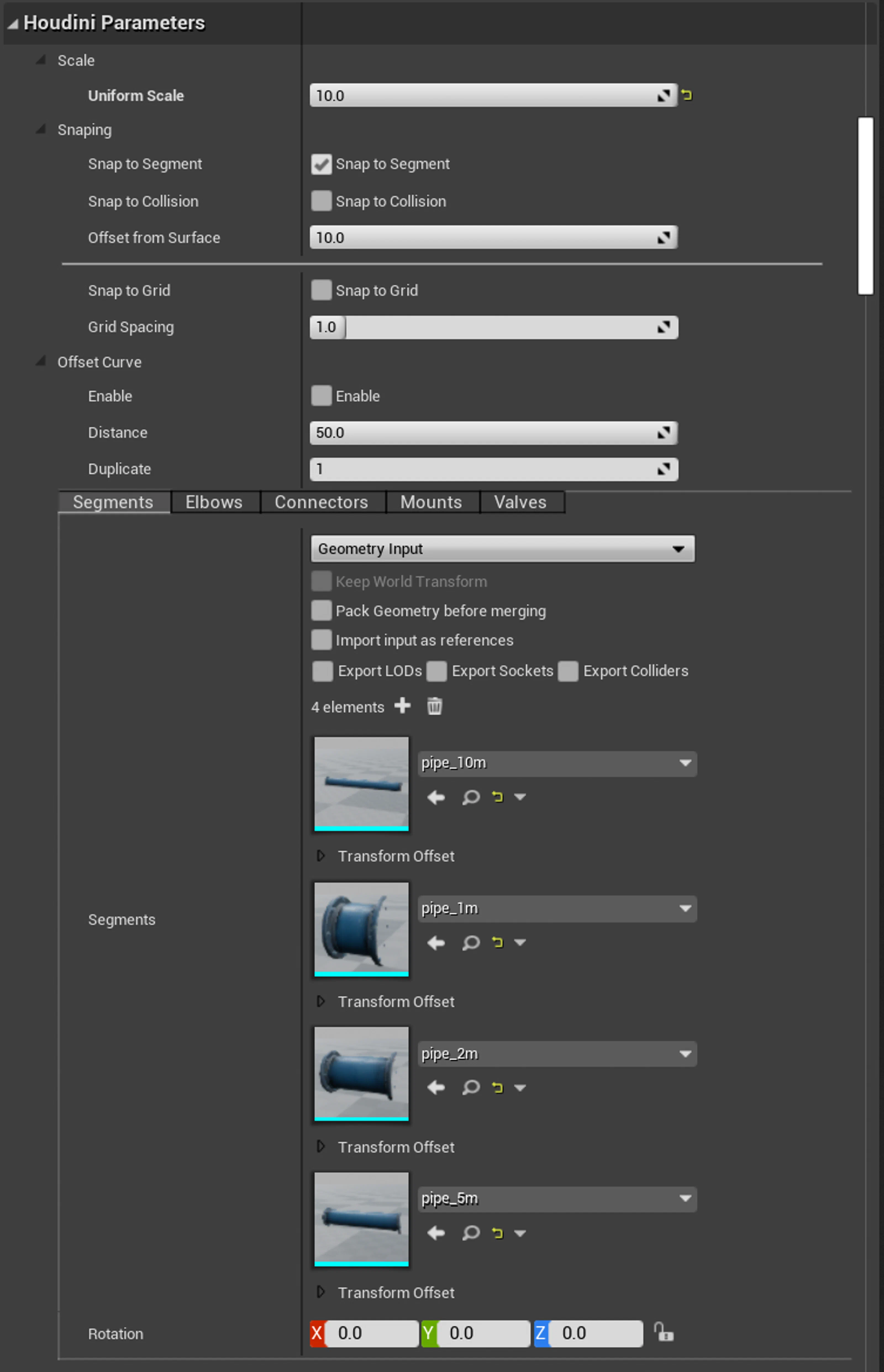
Inputs
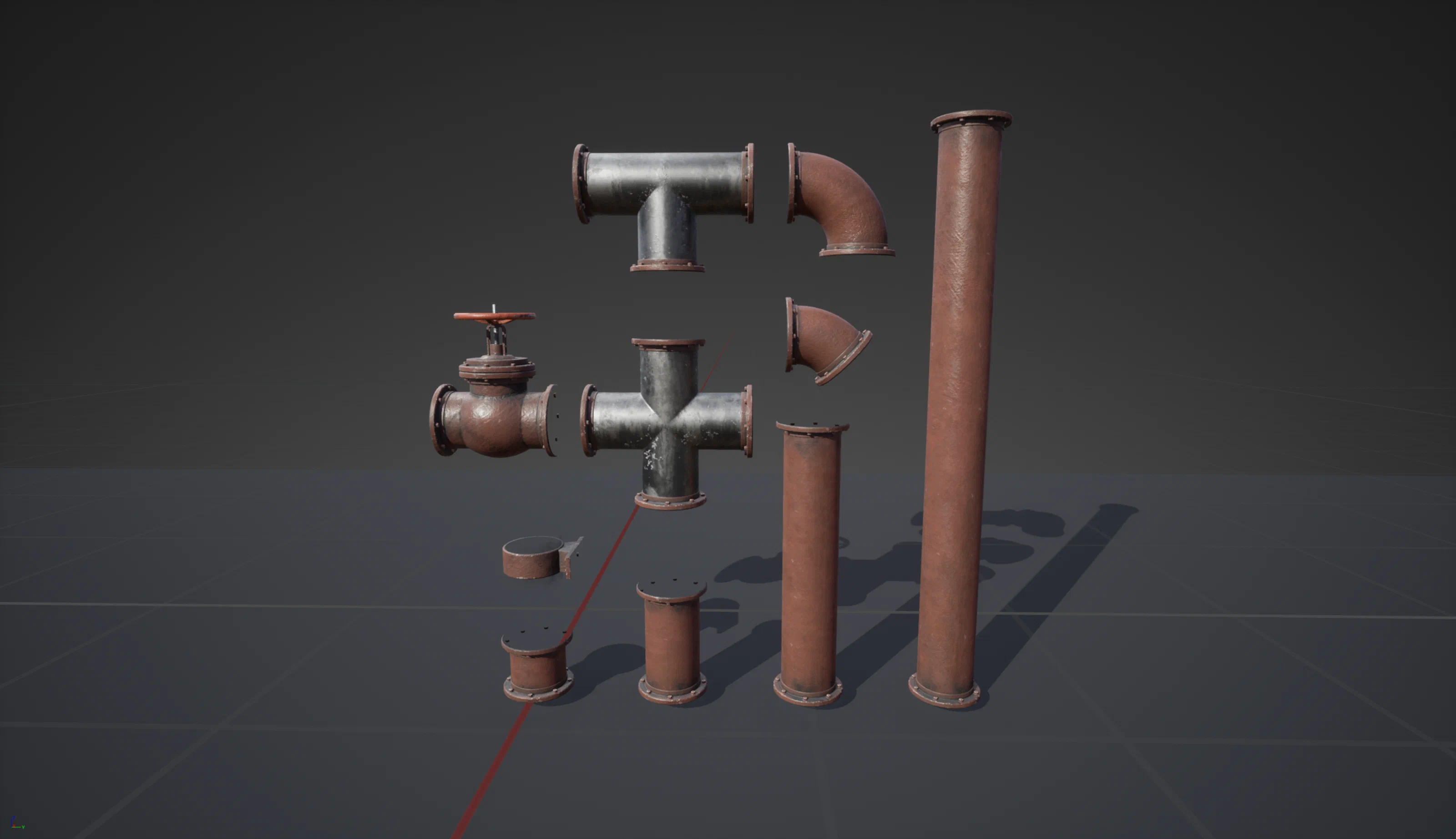
Modular pieces
- Repeating segments
- Corners
- Set the piece angle
- Set the flange circumference and width
- Intersections
- 3-way and 4-way
- Secondary pieces (e.g., valves)
- Mounts (for attaching to other objects)
Curves
Splines the user draws to route the pipes.
Snapping to length
The tool works out where each modular segment goes along the curve so the pieces fit without gaps or overlaps.
Calculating corner pieces
To place the right corner piece, I measure the angle, adjust the normals, and calculate how much to bevel the curve so the corner mesh fits.
- Calculate the angle of each corner point (90, 45, 18.75, etc). That decides which piece to use.
- Orient the corner piece by setting the N to point at the previous point and the up direction at the next point.
- Calculate the bevel amount to subtract from the curve to fit the corner piece. To do this I use some trigonometry in VEX.
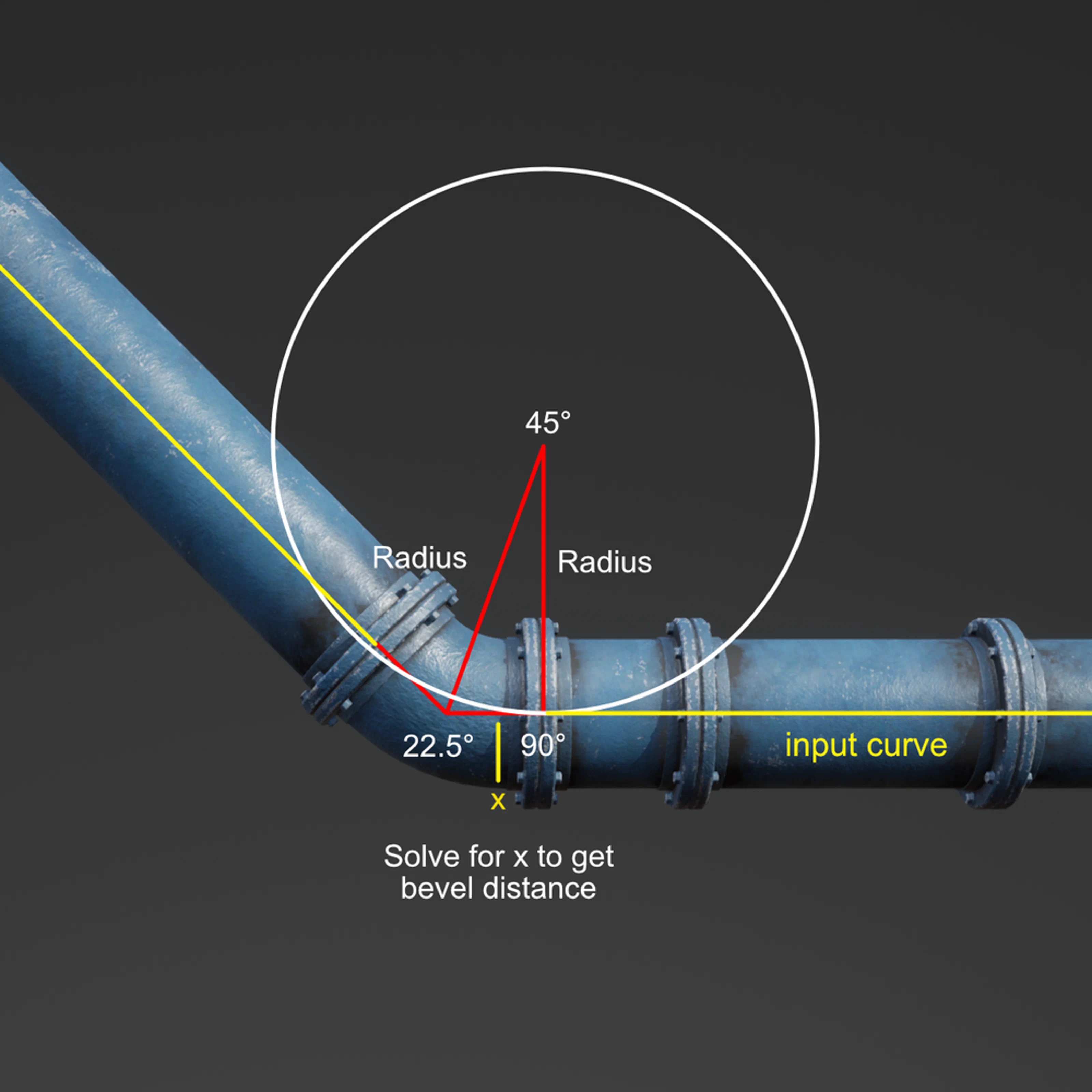
Example for 45 degree elbow: X+width of flange = amount to bevel corners to make space for the corner geometry.